Every message. One inbox.
SLAs running.
WhatsApp, email, website chat, the guest portal, and two-way Airbnb, Booking.com and Vrbo threads — all landing in one ticketed queue your team can't drop.
- Website chat
- Guest portal
- Airbnb
- Booking.com
- Vrbo
 WhatsApp
 Email
Email Airbnb
 Booking.com
 Vrbo
VrboEvery channel. One ticketed queue.
WhatsApp, properly
Multiple business numbers, templates, delivery logs — every guest thread a ticket with a reference, not a chat lost in someone's phone.
Email without the password
Connect Gmail or Microsoft 365 by OAuth, or just forward to a minted address — no credentials handed over.
OTA messaging, two-way
Airbnb, Booking.com and Vrbo threads with attachments both directions, read-sync back to the channel, and stay-context chips on every conversation.
Helpdesk discipline, not a chat app
SLAs that match your hours
Multiple business-hours schedules with first-response, resolution and follow-up deadlines — breaches pulse red and escalate.
Ownership and mentions
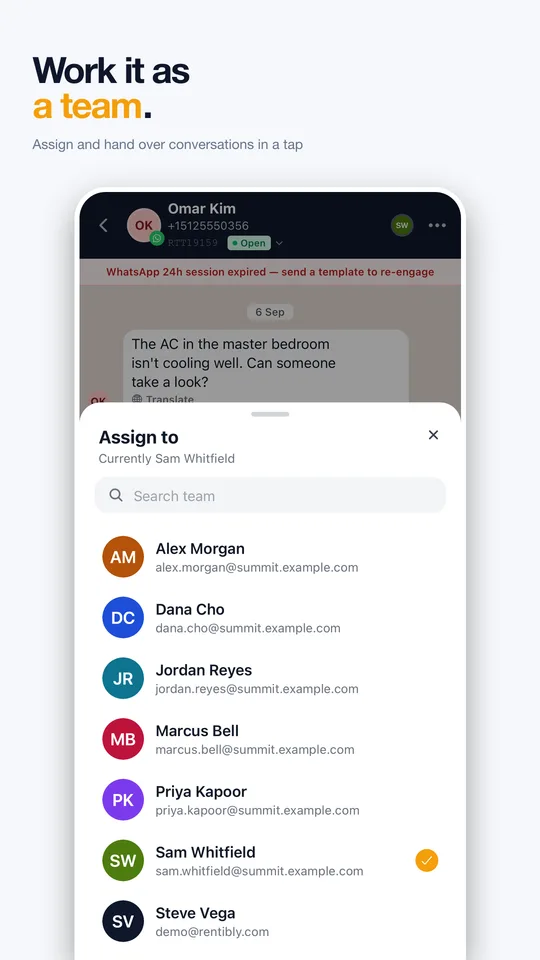
Every ticket assigned, every teammate taggable, unassigned threads impossible to ignore.
Wrap-up that files itself
Close a conversation by linking it to the quote, booking or incident it produced — and block or report a sender when a thread turns abusive, enforced at WhatsApp itself.
Answer faster, in any language
Auto-translate both ways
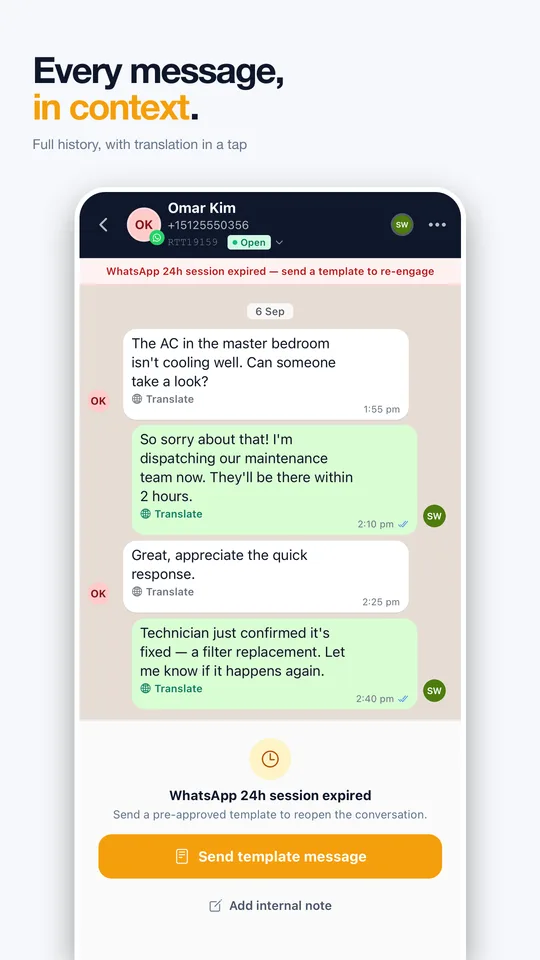
Inbound messages translate automatically; your replies preview bilingually before sending. The guest never knows.
Snippets with variables
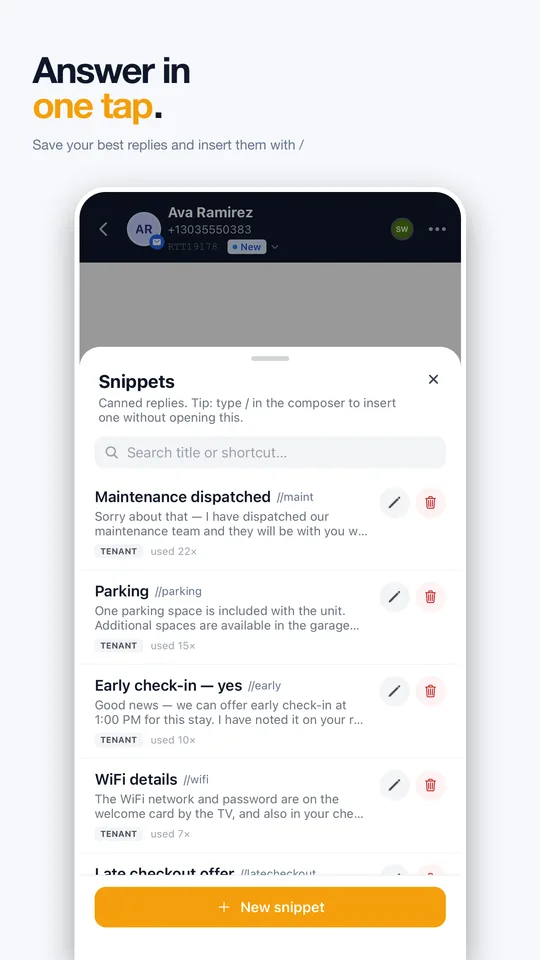
Canned answers with booking variables, inserted by slash command — saved from the composer as you work.
AI drafts on tap
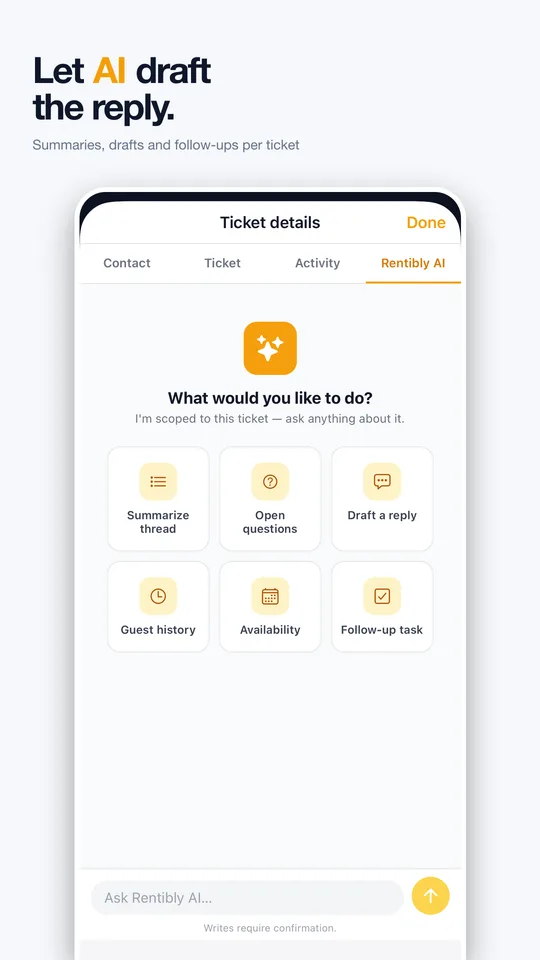
Reply proposals appear beside the thread with a per-ticket kill switch. Insert, edit, or dismiss.
Proof your team is fast
Inbox Analytics
A live board of queue pressure, p50/p90 response times, channel mix and an agent leaderboard - support quality as numbers.
Agent performance, reported
Per-agent response and resolution stats in the reports module, exportable like everything else.
Breach digests, not spam
A burst of SLA breaches arrives as one digest notification - you hear the alarm once, loudly.
Both directions, translated
Inbound auto-translates. Replies preview bilingually before they go. The guest never notices.

For the team answering guests
Rentibly Inbox
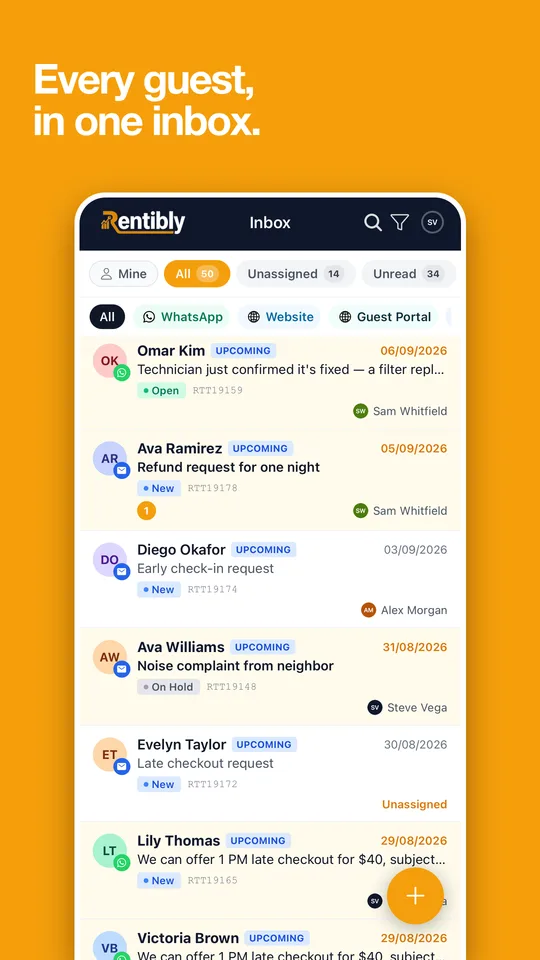
Every guest, in one inbox.
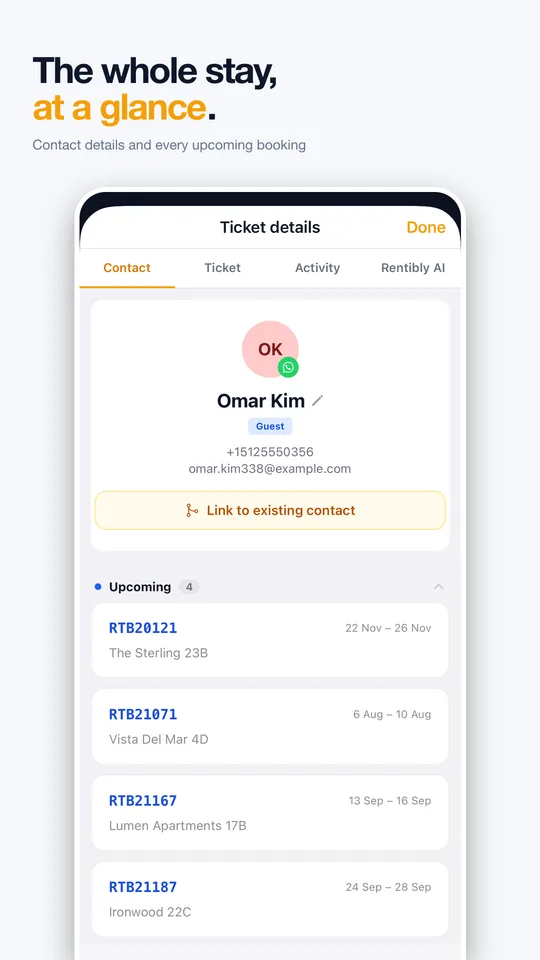
Every guest conversation from every channel, with the booking beside it — and Rentibly AI to summarise the thread and draft the reply.
- WhatsApp, website and guest-portal messages in one list
- Translation in a tap and saved replies with /
- AI summaries, drafts and follow-ups on every ticket
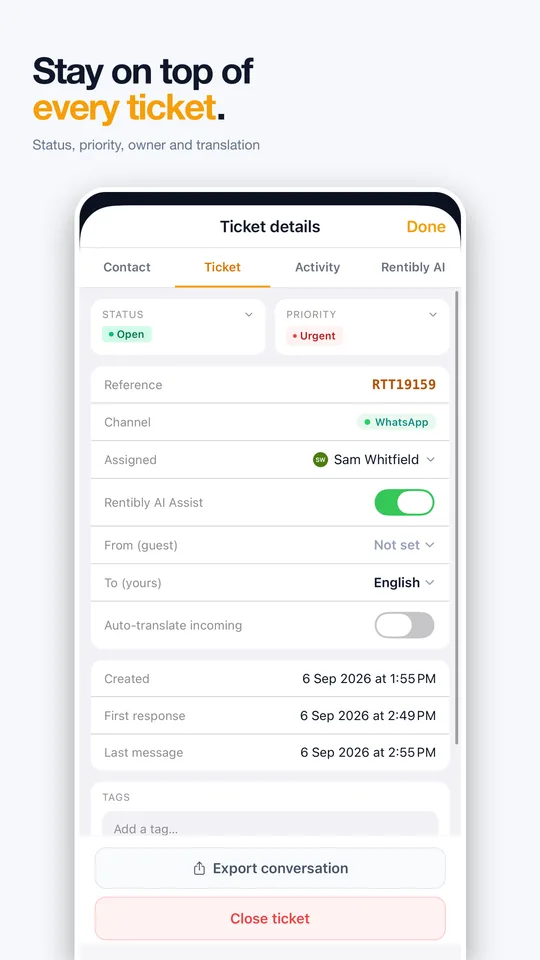
- Status, priority, assignment and hand-over


Video walkthrough
See it in action
Inbox
Chapters & detailsUnder the hood
Every conversation gets a reference (RTT-numbered), a status (New, Open, Pending Agent, Pending Client, On Hold, Closed), a priority, an owner and SLA deadlines. Filters like Unassigned, Unread, SLA and Mentioned keep the queue honest — and a wrap-up step links the thread to the quote, booking or incident it produced.
Airbnb, Booking.com and Vrbo threads flow in two-way with attachments in both directions. Reads sync back to the channel, context chips show stay dates and party size, and you can start a conversation from any booking. Messages a channel would reject are blocked before you hit send.
Notification rules can deliver into the guest's OTA thread, auto-replies and scheduled messages run per channel, and AI proposals draft answers you insert or dismiss. Nothing sends itself to a guest without a rule you wrote or a click you made.
The Inbox Analytics dashboard tracks live pressure, p50/p90 response times, channel mix and an agent leaderboard — and the Ticket SLA and Agent Performance reports make support quality reviewable, not anecdotal.
Conversations export as ZIP or PDF — including a translated transcript — with timestamps and channel identity, useful when an OTA or a chargeback asks for evidence.
Yes - block a sender on WhatsApp or email and report a message on any channel. Where Meta allows it, the block is applied at WhatsApp itself, not just hidden in Rentibly.
Canned answers with booking variables, inserted by slash command and saved straight from the composer - private to you or shared with the team, on web and mobile.
Watch a WhatsApp message become a ticket.
Bring a real guest scenario to the demo — we'll run it through the inbox live.
Book a demo