Rentibly Inbox — Overview
6:15 · 13 chapters · Watch on YouTube
Chapters
Read the transcript
Hey, and welcome to this overview of the Rentibly Inbox! I'll show you how every channel lands in one place — including Airbnb, Booking.com and Vrbo — then work a real WhatsApp conversation live: snippets, quoted replies, reactions, automatic translation, attachments, voice notes, pins and flags. Here's everything we'll cover. Every chapter's start time is right here, and in your player — so if you're after something specific, jump straight to it. Let's dive in.
Welcome to the Inbox: every guest conversation, in one place. WhatsApp, email, the chat on your website, messages from the guest portal and the owner portal — and your Airbnb, Booking.com and Vrbo messages too, once those channels are connected. Each channel gets its own filter, so you can focus on one at a time. The tabs show what needs you: conversations nobody's picked up, ones you haven't read, ones waiting on a reply, any that have gone past your response time, and anywhere a teammate mentioned you. Search by name, number, email or ticket — and Only mine shows just yours.
So how do Airbnb, Booking.com and Vrbo work? Start a new conversation, and they're right here alongside WhatsApp and email. Pick Booking.com, and you choose the booking you're writing about. Once Booking.com is connected, your upcoming and recent Booking.com stays appear right here. Pick one, and the message goes through the channel itself — the guest reads it in their Booking.com app, and the reply lands back in this inbox, on a thread that shows the stay's dates and guest count. Airbnb threads open as soon as a guest messages you — and since Airbnb blocks links until a booking's confirmed, Rentibly warns you before you send one.
Now a real conversation. Sophie Laurent is arriving at Palisade Heights on Friday, and has messaged us on WhatsApp — a question, a message in French, a photo and a voice note. And see the green bar? That's WhatsApp's twenty-four-hour window: you can reply freely until it closes — after that, only an approved template.
Let's answer the first question — and quote it, so it's clear what we're replying to. Hover the message, Reply… and instead of typing, a snippet: slash, early — and our saved early check-in answer drops straight in, with Sophie's name filled in. Send — and it's on Sophie's phone, quoting the question. Double blue ticks when it's read. The photo deserves a reaction. Hover it, React — thumbs up. Sophie sees it just like a reaction from a friend.
Now the French message. Rentibly noticed that Sophie writes in French — see the FR tag up top. Hover it, Translate — and there it is in English: is there parking for two cars? Show original flips it back whenever you want. Now switch on translate-before-send, and reply in English: one parking space is included, and we can reserve a second. Send shows you the French before it goes, so you can check it — Send translated. There it is in French — with your original English kept underneath, so the whole team knows exactly what was said.
Snippets are your saved answers. Open the picker, and there's New snippet: a title, the message — with merge fields like the guest's first name — who can use it, and a shortcut to call it up.
Create snippet — and now anyone on the team can type slash guide. Let's use it, and attach the arrival guide itself: Attach, Document, and the PDF. Photos, videos, audio and documents — up to five at a time, each with its own caption. Send — and Sophie gets the message and the guide together.
Sometimes it's quicker to say it. Record voice — speak — Stop. You can play it back, or discard it, before you send. Send — and the voice note's on Sophie's phone.
Some messages matter more than others — like what we promised about parking. More, Pin message — and it stays pinned at the top of the conversation, so nobody has to scroll to find it. And Flag marks the conversation for yourself — it turns yellow, a private reminder to come back to it. Only you see your flags.
Need the team? Add internal note — type the at sign to mention someone, and they're notified. Internal notes sit in the thread in yellow, and never reach the guest. And Rentibly AI can catch you up on the whole thread in seconds. Summarise thread — and there it is: Sophie's early check-in, confirmed for one p.m.; the parking, answered in French; the arrival guide sent; and our note asking Jordan to reserve the bays. It even offers to set a follow-up task.
Details puts the guest's whole picture beside the chat — the stays, quotes, incidents and other conversations — and Ticket holds the owner, tags, translation and response-time clock. When it's done, set the status to Closed, and the wrap-up asks what the conversation was about — an inquiry, a booking, an owner — so your pipeline stays honest. And that's the Inbox: every guest, every channel, every tool your team needs, in one place.
Thanks so much for watching! If you're already on Rentibly, open the Inbox and create your first snippet — your most common answer, one slash away. And if you're not on Rentibly yet, book a demo call, and we'll show you all of this, live.
Every channel in one inbox — WhatsApp, email, website chat, the portals, plus Airbnb, Booking.com and Vrbo — and a live WhatsApp conversation: snippets, quoted replies, reactions, automatic translation, attachments, voice notes, pins, flags and Rentibly AI. Shown live on a real Rentibly workspace.
Up next
 7:24
7:24Overview
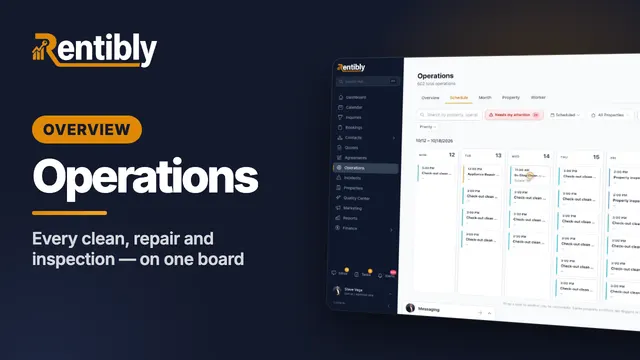
Operations
Every clean, repair and inspection on one board: the review queue and filters, creating a job and sending it to a cleaning company, the job up close, dragging it to another day, approvals, bulk actions, automations and vendor price lists. Shown live on a real Rentibly workspace.
 6:27
6:27Overview
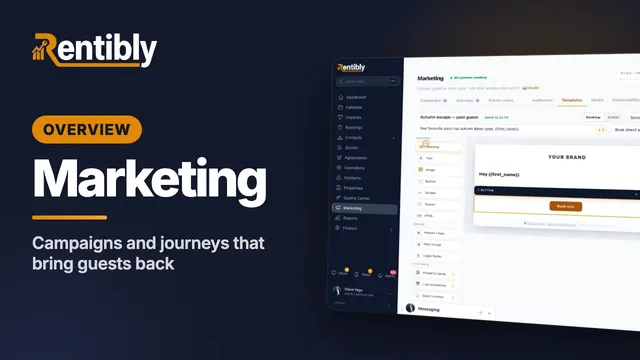
Marketing
Build an audience, design an email with live availability and guest reviews, create a WhatsApp template, set up a campaign with A/B testing and the consent gate, and launch a journey from a playbook. Shown live on a real Rentibly workspace.
 9:13
9:13Overview
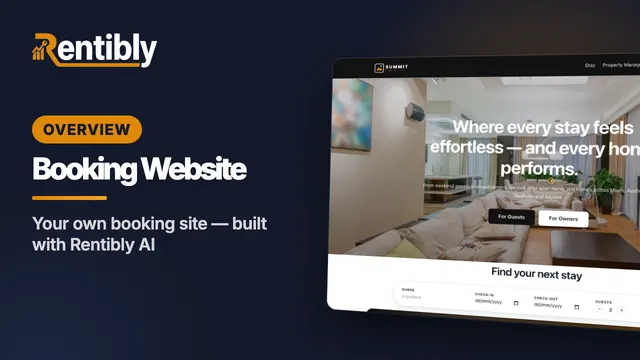
Booking Website
Your own direct-booking website: make it your brand, build pages section by section, have Rentibly AI write a custom section from one sentence, follow a guest from your home page to their quote, read your website analytics in depth, and add booking widgets to any website. Shown live on a real Rentibly workspace.
Count your subscriptions. Then count ours.
A 30-minute demo on your numbers — every tool you pay for today, mapped to its native Rentibly module.
Book a demo