Rentibly Calendar — Overview
4:57 · 10 chapters · Watch on YouTube
Chapters
Read the transcript
Hey, and welcome to this overview of the Rentibly calendar! I'll show you how to read every property at a glance, get anywhere in the year in a couple of clicks, find exactly the right gap — and price it on the spot. Here's everything we'll cover. Every chapter's start time is right here, and in your player — so if you're after something specific, jump straight to it. Let's dive in.
Hey — welcome to the Rentibly calendar. This is where you see every property and every stay at a glance. Each row is a property — thirty-seven of them here — and each bar is a stay on its dates. And that blue line? That's today.
So what do the colours mean? Let me open the legend. Green is a booking. Purple is an owner staying in their own place. Red is a block. And amber stripes are a quote on hold — a soft hold you can release. Want the details without opening anything? Just hover. Here's Charlotte Roberts at Aqua Tower 6E — the dates, the total, what's still owed, whether the deposit's been paid, and who created it. Every stay has its card — even the owner stays. And hover a property's name to see the place itself: the photo, the area, bedrooms, bathrooms, and how many guests it sleeps.
Click a stay, and the whole booking opens right on top of the calendar — the guest, the dates, where it came from, and the money. I'll close it… and I'm right back where I was.
Getting around is easy. These arrows move you a week at a time… and Today brings you straight back. Need to go further? Grab this bar and drag — the further you pull, the faster it travels. Or jump straight there. Jump to lets you pick any month and year — or go next month, three months, six months out, in one tap. And there's next spring, already filling up. Today brings me home.
Looking for one place? Type a few letters into search — Palisade — and there they are, just the Palisade Heights units. Now, my favourite. Filters. Say a guest wants two bedrooms, Thursday to Monday. I'll set the dates under Available between, and pick two bedrooms… …and done. The calendar now shows only the three two-bedroom places that are free those nights. That's your answer in about five seconds. You can also filter by property type, by tags like pool or pet-friendly, by location, source, or owner. And Clear all takes you back to everything.
Now let's actually work the calendar. Find a gap — like this one at Crestview 7F — then click, and drag across the nights you want. Four nights, Thursday to Monday — and a little menu pops up. Let's check rates. There's the price, worked out on the spot. Four nights at about sixteen hundred and seventy dollars a night, plus cleaning — six thousand, eight hundred and thirty-three in total, with a five-hundred-dollar refundable deposit on top. You can price it for any channel you sell on, and switch between nightly, weekly, and monthly rates. And when the guest says yes, Create quote takes you straight to a quote that's already filled in. What if you drag across nights that are already taken? It tells you straight away — those dates overlap a booking, so it won't even price them.
Need to take some nights off the market — a deep clean, maybe repairs? Select them, choose Block dates, and give it a title and a reason. Hit Create, and those nights close everywhere at once — on every channel you're connected to, and in your pricing tool too. Since this is a live workspace, I'll cancel instead. Owner stay works exactly the same way — for when the owner wants their own place for a few nights.
And right-click any bar for its shortcuts. A booking takes you straight to it — and blocks and owner stays can be edited or removed right from here. One last thing: you never have to refresh. When a booking comes in or changes, the calendar updates itself — so everyone on your team is looking at the same picture. And that's the Rentibly calendar. Every property, every stay, and a price on any gap — all on one screen.
Thanks so much for watching! If you're already on Rentibly, open your calendar and drag across any empty nights — you'll have a price in seconds. And if you're not on Rentibly yet, book a demo call, and we'll show you all of this, live.
Read every property and every stay at a glance, get anywhere in the year in a couple of clicks, find exactly the right gap — and price it on the spot. Shown live on a real Rentibly workspace.
Up next
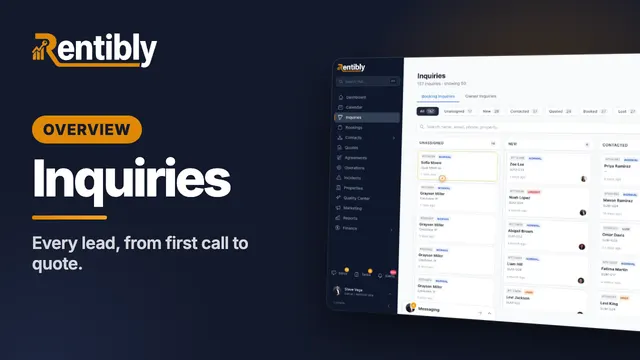 5:25
5:25Overview
Inquiries
Where every lead lands, how to find any of them in seconds — then one lead worked from the first phone call all the way to a quote: assigning, contacting, notes and @mentions, tasks, and what happens when a lead goes quiet. Shown live on a real Rentibly workspace.
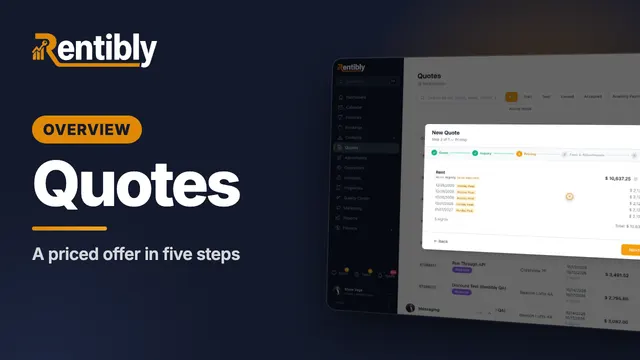 4:05
4:05Overview
Quotes
Build a priced quote for a new guest in five steps — inquiry, night-by-night pricing, fees and deposit, payment schedule — then see the owner's share before you send it, and price any stay in seconds with the Rate Checker. Shown live on a real Rentibly workspace.
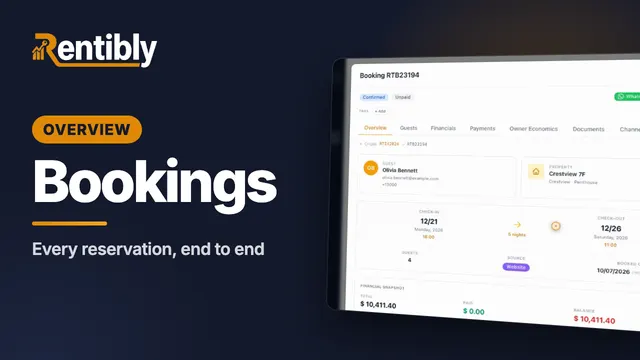 7:20
7:20Overview
Bookings
Find any reservation in seconds, take a brand-new booking from start to finish, and run it — payments, owner economics, notes and tasks, changes and cancellations. Shown live on a real Rentibly workspace.
Count your subscriptions. Then count ours.
A 30-minute demo on your numbers — every tool you pay for today, mapped to its native Rentibly module.
Book a demo