Rentibly Quotes — Overview
4:05 · 9 chapters · Watch on YouTube
Chapters
Read the transcript
Hey, and welcome to this overview of Rentibly Quotes! I'll build a quote from scratch for a new guest, show you what's inside it before it's sent, and price any stay in seconds with the Rate Checker. Here's everything we'll cover. Every chapter's start time is right here, and in your player — so if you're after something specific, jump straight to it. Let's dive in.
So — this is Quotes: a priced offer you send a guest before anything's booked. Let's build one for Maya Torres, a new lead who's asked about New Year's. First, the guest — I'll start typing the name… and there's the match.
A quote hangs off an inquiry — what the guest asked for. Maya doesn't have one yet, so I'll create it right here: the property — Palisade Heights 9C — the dates, and how many guests. Monday the twenty-eighth of December to Saturday the second of January, four guests. Create Inquiry — and it's linked to the quote, so the whole conversation stays in one thread.
Pricing comes straight from the property's own rates, night by night — holiday rates and all. And if you've agreed a different price, you can adjust the total by hand. Then fees, discounts and taxes — the cleaning fee's added for you, and there's a refundable security deposit, kept separate from the total. And finally, payment: all at once, a deposit now and the rest later, or your own installments. You choose how long the quote stays valid — and you can even hold the dates while Maya decides. That blocks the calendar on every channel, so I'll leave it off for now. Create Quote — and there it is: saved as a draft, priced to the cent, and ready to send.
Every quote lives in this list — search by reference, guest, email, phone or property. There's Maya's, still a draft. And these chips follow a quote through its life: draft, sent, viewed by the guest, accepted, waiting on payment — or declined, expired or revoked. Active Holds shows any quote that's holding dates on your
calendar. Open it, and it's the quote exactly as the guest will see it: the property, the dates, every charge, and the security deposit on top. Here's my favourite part — the earnings estimate. Before you even send it, you can see how this stay splits between the owner and you. Further down: the payment schedule — the full amount, with the deposit collected separately — the cancellation policy, notes for your team, and a full history of every change.
And Share is how it reaches the guest: send it by email or WhatsApp, copy the link, preview exactly what they'll see, or download a PDF. I'll leave this one as a draft.
One more thing worth knowing: Rate Checker. Pick a property and some dates, and it prices the stay from your rates — without creating a quote at all. Perfect when someone just asks, how much? Five nights: the rent, the cleaning fee, the total, and the refundable deposit — all from the property's own setup. And that's Quotes: priced in minutes, tracked all the way to a booking.
Thanks so much for watching! If you're already on Rentibly, open Quotes and try the Rate Checker — it's the fastest answer to how much? And if you're not on Rentibly yet, book a demo call, and we'll show you all of this, live.
Build a priced quote for a new guest in five steps — inquiry, night-by-night pricing, fees and deposit, payment schedule — then see the owner's share before you send it, and price any stay in seconds with the Rate Checker. Shown live on a real Rentibly workspace.
Up next
 8:59
8:59Overview
Contacts
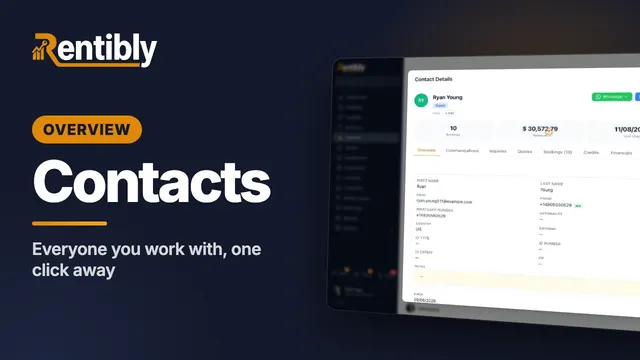
Find anyone in seconds, open a guest's, owner's or vendor's whole history, add a new lead, flag a contact, link duplicates, and track preferences and goodwill credits. Shown live on a real Rentibly workspace.
 4:57
4:57Overview
Calendar
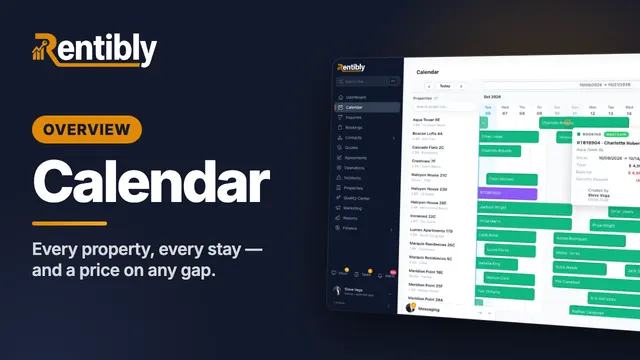
Read every property and every stay at a glance, get anywhere in the year in a couple of clicks, find exactly the right gap — and price it on the spot. Shown live on a real Rentibly workspace.
 5:25
5:25Overview
Inquiries
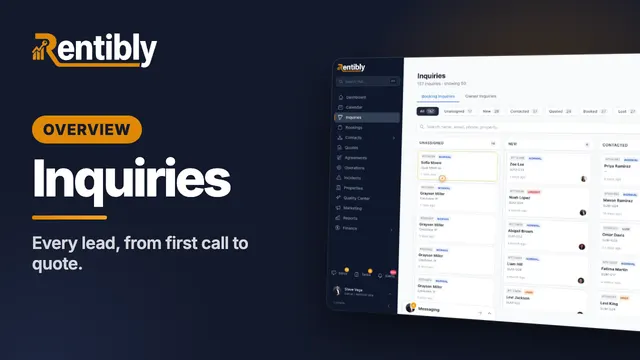
Where every lead lands, how to find any of them in seconds — then one lead worked from the first phone call all the way to a quote: assigning, contacting, notes and @mentions, tasks, and what happens when a lead goes quiet. Shown live on a real Rentibly workspace.
Count your subscriptions. Then count ours.
A 30-minute demo on your numbers — every tool you pay for today, mapped to its native Rentibly module.
Book a demo