Rentibly Reports — Overview
2:37 · 8 chapters · Watch on YouTube
Chapters
Read the transcript
Hey, and welcome to this overview of Rentibly Reports! I'll show you how to find any report in seconds, look back or forward in time, drill into the records behind a number, and build your own. Here's everything we'll cover. Every chapter's start time is right here, and in your player — so if you're after something specific, jump straight to it. Let's dive in.
So — this is Reports: every number in your business, ready-made. Thirty-seven of them down the side, grouped the way you think — revenue and bookings, guest finance, service, your portfolio, channels, owner economics, operations and sales.
Looking for one? Just search. Occupancy — there it is: occupancy, average daily rate and RevPAR. Over the last three months: fifty-five percent occupancy, an average rate of four hundred and eighty-eight dollars, RevPAR of two sixty-eight, and eighteen hundred and seventy-two nights sold.
Switch the period with one click — this month, last month, this year. And because Rentibly knows what's already booked, you can look forward, too: the next thirty days.
Group by month to see the trend — or by property, to rank every home side by side. Advanced filters narrow it to the properties you care about. And click any row to see the records behind it — right down to the individual bookings.
Not sure what a number means? The Guide explains every one — what it shows, and exactly how it's calculated. And Export gives you a spreadsheet or a PDF of whatever you're looking at.
And your own reports live here too, in folders your team shares — like this Management Pack. Build them with the Report Builder: pick what to measure, how to slice it, and save it for everyone. No spreadsheets needed. And that's Reports — every number, ready when you need it, and explained when you don't.
Thanks so much for watching! If you're already on Rentibly, open the Occupancy report and try Future, next thirty days — that's your month ahead. And if you're not on Rentibly yet, book a demo call, and we'll show you all of this, live.
Find any report in seconds, look back or forward in time, group and filter, drill into the records behind a number, and see exactly how every metric is calculated. Shown live on a real Rentibly workspace.
Up next
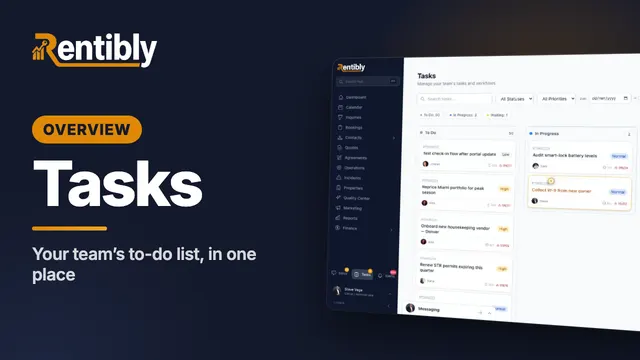 2:37
2:37Overview
Tasks
Your team's to-do list in one place: the board and list views, filters and grouping by due date, what's inside a task, and adding a new one with a checklist. Shown live on a real Rentibly workspace.
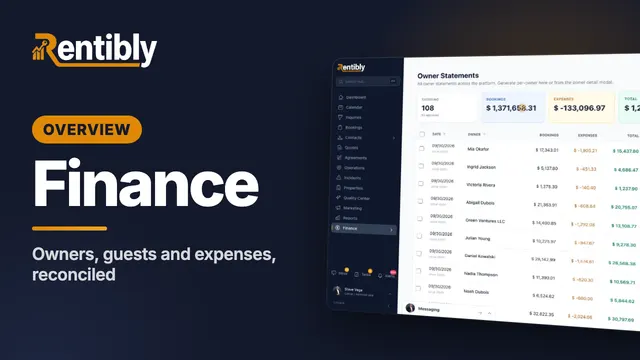 3:31
3:31Overview
Finance
Owner balances, statements and payouts, guest payments and scheduled installments, channel payouts and expenses — all reconciled in one place. Shown live on a real Rentibly workspace.
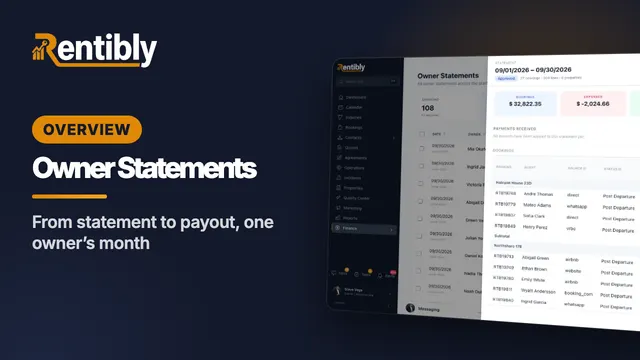 6:17
6:17Overview
Owner Statements
Follow one owner through a whole month: owner defaults, co-ownership and commission, generating and reading a statement line by line, approval and release, recording the payout, and owner balances. Shown live on a real Rentibly workspace.
Count your subscriptions. Then count ours.
A 30-minute demo on your numbers — every tool you pay for today, mapped to its native Rentibly module.
Book a demo