Rentibly Tasks — Overview
2:37 · 6 chapters · Watch on YouTube
Chapters
Read the transcript
Hey, and welcome to this overview of Rentibly Tasks! I'll show you your team's to-do list, how to slice it, what's inside a task, and how to add a new one with a checklist. Here's everything we'll cover. Every chapter's start time is right here, and in your player — so if you're after something specific, jump straight to it. Let's dive in.
So — this is Tasks: your team's to-do list, all in one place. Fifty to do, two in progress, one waiting. Every card shows the task, its priority, who owns it, how far through its checklist it is, and when it's due — in red once it's late. Search, filter by status or priority, or pick a due-date range — and click any of these counts to see just those tasks.
Open one, and everything's there: what it is, who owns it, the due date, what it's linked to, its status — and the checklist. This one's a third of the way through.
Prefer a list? Switch over, and group it by due date — overdue work floats straight to the top. Or group by module, to see what each task belongs to: a booking, a property, an inquiry. And the Completed switch brings back everything that's done, whenever you need to look back.
Now let's add one. The welcome hampers at Aqua Tower 6E need restocking before the weekend. New Task — a title, a quick description, and it's High priority. The title is what shows on the card, so keep it short — the description holds the detail. I'll give it to Steve, due on Monday — and add a short checklist, so nothing's missed: wine and snacks, and a handwritten welcome card. You can also link a task to a booking, a property or an inquiry, so it shows up there too. Create Task — and it's on the board, in To Do, for Steve to pick up. And that's Tasks — every to-do, owned, dated and ticked off, right alongside the work it belongs to.
Thanks so much for watching! If you're already on Rentibly, open Tasks, switch to the list and group by due date — overdue work is right at the top. And if you're not on Rentibly yet, book a demo call, and we'll show you all of this, live.
Your team's to-do list in one place: the board and list views, filters and grouping by due date, what's inside a task, and adding a new one with a checklist. Shown live on a real Rentibly workspace.
Up next
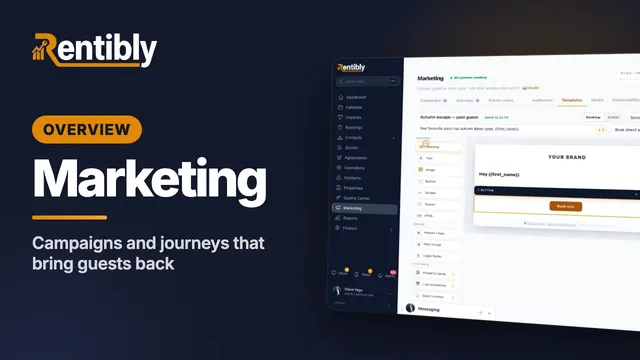 6:27
6:27Overview
Marketing
Build an audience, design an email with live availability and guest reviews, create a WhatsApp template, set up a campaign with A/B testing and the consent gate, and launch a journey from a playbook. Shown live on a real Rentibly workspace.
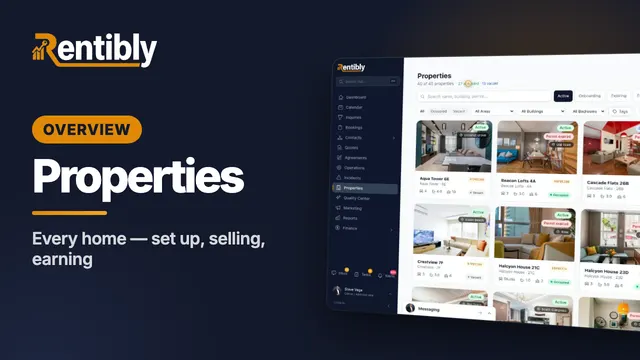 3:47
3:47Overview
Properties
Your whole portfolio at a glance — then inside one home: its calendar, rates and booking rules, fees, rooms, owners and channels, what guests see, and how it's earning. Shown live on a real Rentibly workspace.
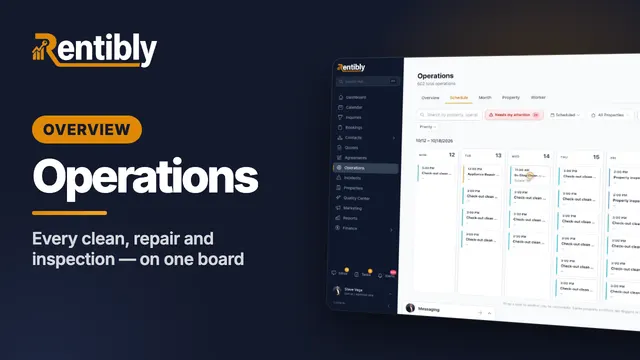 7:24
7:24Overview
Operations
Every clean, repair and inspection on one board: the review queue and filters, creating a job and sending it to a cleaning company, the job up close, dragging it to another day, approvals, bulk actions, automations and vendor price lists. Shown live on a real Rentibly workspace.
Count your subscriptions. Then count ours.
A 30-minute demo on your numbers — every tool you pay for today, mapped to its native Rentibly module.
Book a demo