Check a guest in or out
Updated 13 October 2026
Mark a booking Checked In when the guest arrives and Checked Out when they leave, with the time it really happened. Separately, you can check in each guest with their ID on the Guests tab.
Steps
Go to Bookings and open the booking.
To check the booking in, click Check In in the bar at the bottom.
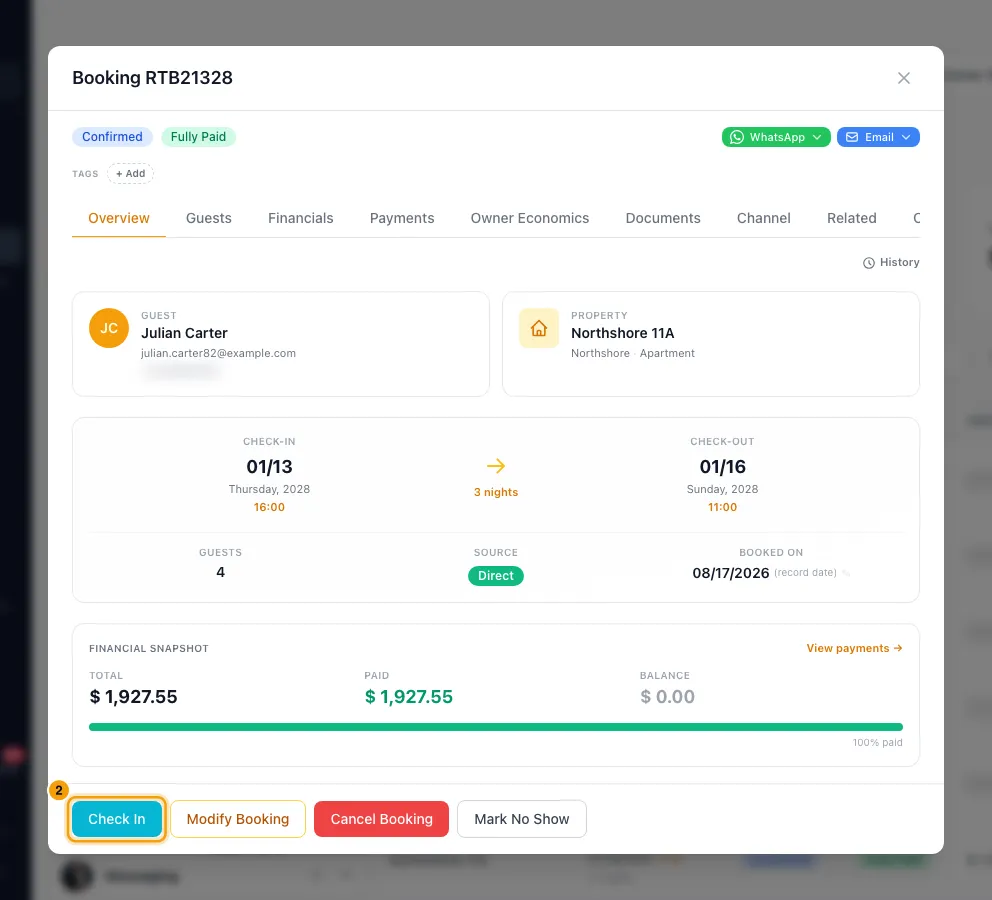
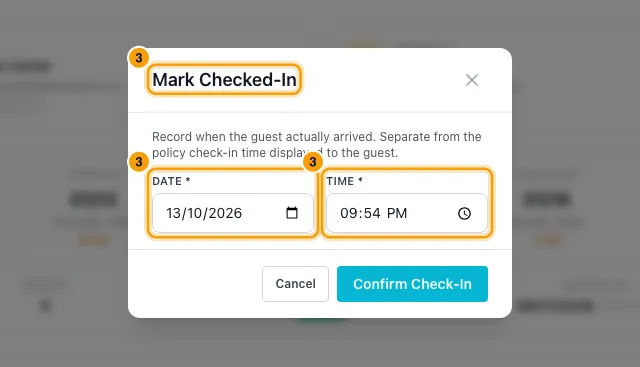
In Mark Checked-In, set the Date and Time the guest arrived. They start at now. Click Confirm Check-In.
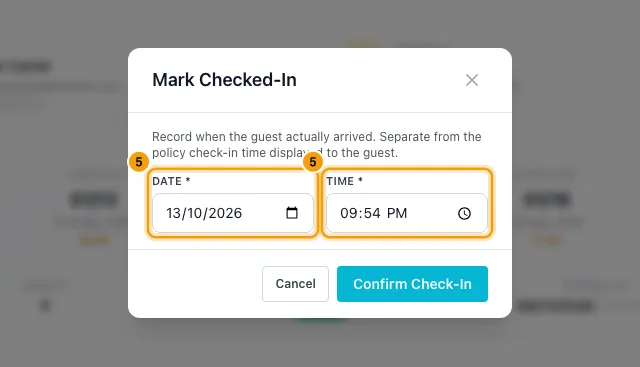
To check the booking out, click Check Out. It shows once the booking is Checked In.
In Mark Checked-Out, set the Date and Time the guest left, then click Confirm Check-Out.
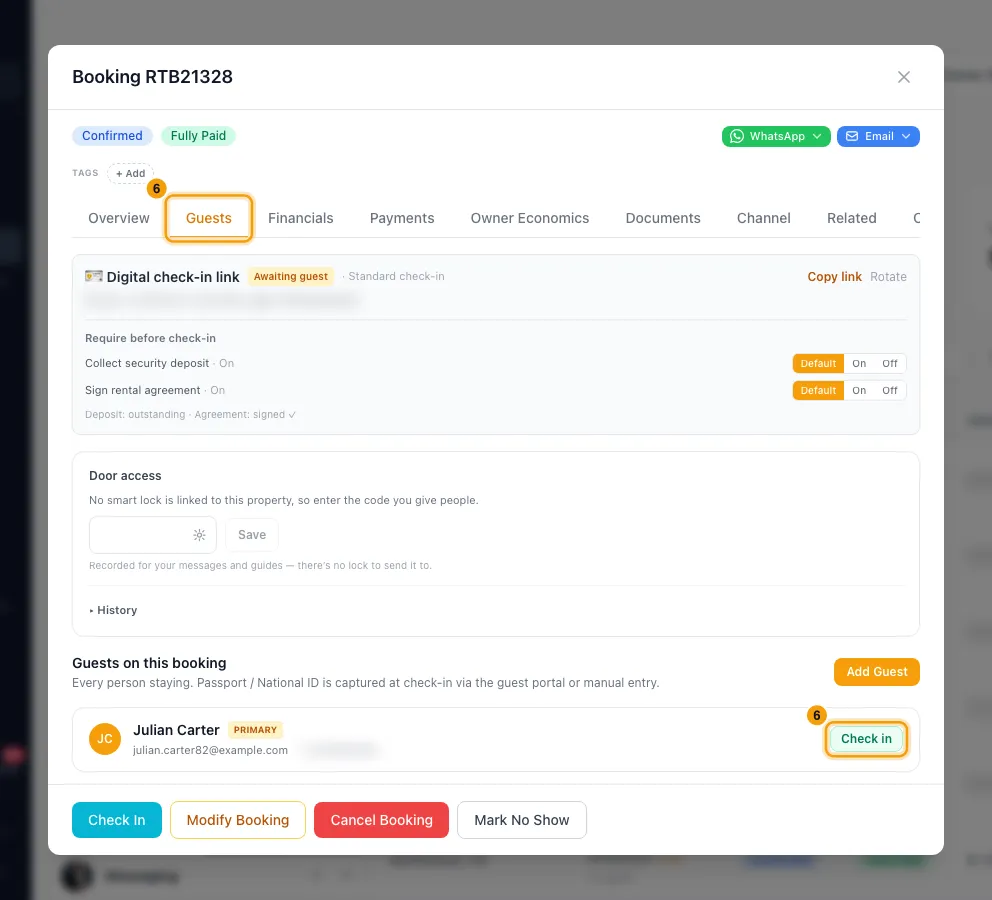
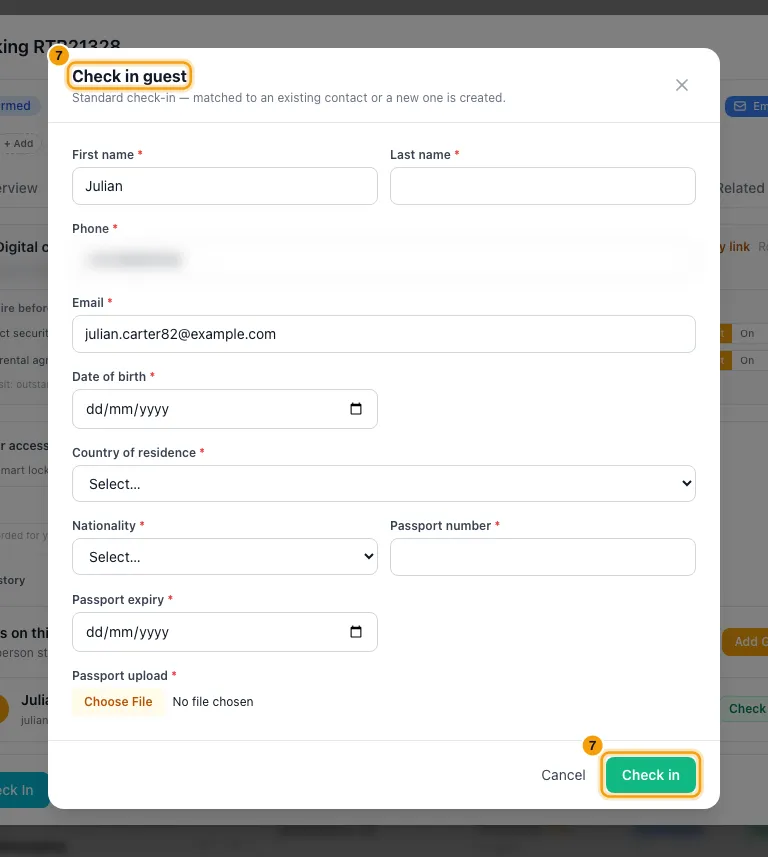
To check in one guest with their ID, go to the Guests tab and click Check in on that guest's row.
Fill in the Check in guest form, attach the ID scans if you have them, and click Check in.
Good to know
- The times you enter show on the Overview tab as ✓ Arrived and ✓ Departed. The check-in and check-out times the guest was given don't change.
- If the date has passed:
- A booking still Confirmed after its check-in date shows Check-in date passed, with Mark Checked-In and Mark No Show buttons.
- A booking still Confirmed or Checked In after its check-out date shows Check-out date passed, with a Mark Checked-Out button. This lets you check out a booking that was never checked in.
- Rentibly never changes the status by itself. To find these bookings, filter the Status column on the Bookings page by ⚠ Warnings.
- There is no button to undo a check-in or check-out.
- Checking a booking in or out runs what you set up for that moment:
- notification rules on Guest checked in or Guest checked out;
- automations on When a guest checks in or When a guest checks out;
- marketing journeys that start when a guest checks out.
- Checking a booking in also marks its contact as a guest. An owner stay never does: it is not a booking, so the owner is not made a guest.
- Bookings from a connected channel (such as Airbnb) can be checked in and out here as normal. The channel doesn't know about check-in, so nothing is sent to it.
- Checking in a guest on the Guests tab is separate from the booking's status. It records that person's identity. It does not mark the booking Checked In, and the booking does not need it.
- If you have an active form under Settings → Digital Check-in that applies to the booking (archived forms never apply), the Check in guest window shows that form. Otherwise it shows the built-in fields.
- The built-in fields need First name, Last name, Date of birth, Nationality, Passport number, the passport's Issuing country and Expiry date. National ID (optional) and Contact info (optional) can be left blank.
- Rentibly matches the details to an existing contact, or creates one. It says which. ID scans are saved in that contact's documents.
- The guest's row then shows Checked in. Click the row to see their passport and national ID details.
- Checking in a guest here doesn't mark the booking's digital check-in link as Completed. For the guest's own link, see "Send the guest their digital check-in link and instructions".
- To add more people first, click Add Guest on the Guests tab. Choose Add by name or Link existing contact.
- Reactivate a cancelled or no-show booking:
- Open it and click Reactivate Booking.
- Click Reactivate.
- The booking goes back to Confirmed and its dates go back on the calendar.
- It is refused if a guest credit was issued, a refund was recorded, or the dates are now taken. The window lists what to fix first.
- Charges, payments and installments are not restored. Fix them on the Financials and Payments tabs.
- On a booking from a connected channel, Reactivate Booking is disabled. Reinstate it on the channel.
- You need Edit on Bookings for all of this.
Rentibly AI can help
- Tell it "the guest arrived at 22:15" or "they left at 09:30" and it records the actual check-in or check-out time with. It only records the time. It doesn't change the booking's status or dates; use Check In and Check Out for that.
Still stuck?
Open Support from your profile menu in Rentibly, or email hello@rentibly.com — we answer fast.