Activity log and recycle bin — Rentibly How-to
How-to: Data & Reports · Part 5 of 6 · 1:37 · 5 chapters · Watch on YouTube
Chapters
Read the transcript
Hey, and welcome to this Rentibly how-to: the activity log and recycle bin. Let's see who changed what — and undo a deletion. Here's what we'll cover — the chapter times are right here, and in your player. Let's get started.
Every change in your workspace is recorded in Settings, System, Activity Log: who did it, when, and to what. Narrow it down by date, by person, by module or by action — here, just bookings.
Open an entry to see exactly what changed — each field, before and after. Show full history follows that one record through everything that's happened to it. And Export CSV takes the log away for an audit.
Deleted something by mistake? Settings, System, Recycle Bin. Deleted records from every module wait here, with who deleted them, when, and how many days are left before they're gone for good. Search for it — Calloway — then open the menu and Restore. Mia's back in Contacts, exactly as she was, and gone from the bin.
Thanks so much for watching! If you're already on Rentibly, open Settings, System, Activity Log, and filter it to the module you look after. And if you're not on Rentibly yet, book a demo call, and we'll show you all of this, live.
See who changed what, field by field — and bring back a record that was deleted by mistake. Shown live on a real Rentibly workspace.
More in Data & Reports
 1:54
1:54How-to · Part 6
API keys and connected apps
Give your own software safe access to your Rentibly data with an API key — plus webhooks and Zapier. Shown live on a real Rentibly workspace.
 2:08
2:08How-to · Part 1
Importing your data
Bring a spreadsheet of contacts into Rentibly, export your data, and answer a guest's request for their personal data. Shown live on a real Rentibly workspace.
 1:57
1:57How-to · Part 2
Duplicates and merging
Find guests who are in Rentibly twice, merge them into one record, and undo a merge if you need to. Shown live on a real Rentibly workspace.
 2:13
2:13How-to · Part 3
Reference lists
Sources, tags and lost reasons: the lists behind your reports — and how to add your own. Shown live on a real Rentibly workspace.
 2:02
2:02How-to · Part 4
Company profile and branding
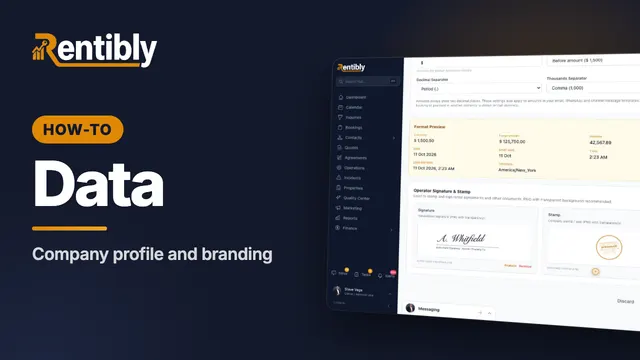
Your company details, time zone and formats, business hours, signature and stamp — and the logos on everything you send. Shown live on a real Rentibly workspace.
Count your subscriptions. Then count ours.
A 30-minute demo on your numbers — every tool you pay for today, mapped to its native Rentibly module.
Book a demo