Cancellation policies — Rentibly How-to
How-to: Pricing & Revenue · Part 10 of 11 · 2:07 · 6 chapters · Watch on YouTube
Chapters
Read the transcript
Hey, and welcome to this Rentibly how-to: cancellation policies. We'll build a stricter policy for the holidays — full refund sixty days out, half at thirty — and see where policies apply. Here's what we'll cover — the chapter times are right here, and in your player. Let's get started.
Cancellation policies set the refund a guest gets when they cancel. They're under Settings, Property Settings, Cancellation Policies. Each one spells out its rules — Flexible is the default here: a full refund up to fourteen days before check-in, nothing after that.
Let's add a stricter one for the holidays. New Policy. A short-stay policy refunds a percentage, depending on how many days before check-in the guest cancels. A long-stay policy works on notice instead, with a penalty if the notice is short. Short stay. A name, and a description guests will read on their quote.
Then the rules. A full refund if they cancel sixty days or more before check-in. Add a rule: fifty percent, thirty days or more. Inside thirty days, there's no refund. The preview reads it back in plain words. Keep it active; tick Set as default if every new quote should use it. Create policy.
Each policy can be made the default, switched off, edited or deleted. A property can use its own policy, set on its Booking Rules tab, and you can pick a different one on any quote. Quotes and bookings keep a copy of the policy they were made with — so changing a policy later never changes them.
Thanks so much for watching! If you're already on Rentibly, open Settings, Cancellation Policies, and make sure each one says what you mean. And if you're not on Rentibly yet, book a demo call, and we'll show you all of this, live.
Set the refund guests get when they cancel: short-stay and long-stay policies, refund rules with a live preview, defaults, and where each policy applies. Shown live on a real Rentibly workspace.
More in Pricing & Revenue
 2:20
2:20How-to · Part 11
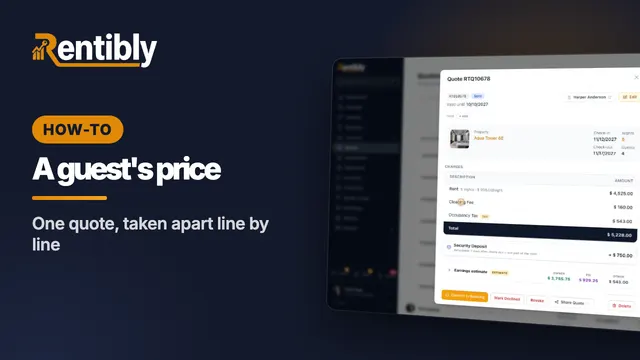
How a guest's price is built
One real quote taken apart: the nightly rent, discounts, fees, taxes and total — the security deposit, where the money goes, the payment schedule and the cancellation policy. Shown live on a real Rentibly workspace.
 3:25
3:25How-to · Part 1
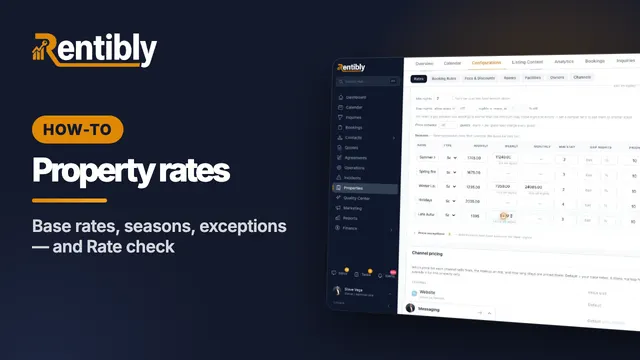
Setting a property's rates
How a night is priced, base rates and long-stay tiers, minimum and gap nights, seasons, price exceptions — and checking what a stay costs on every channel. Shown live on a real Rentibly workspace.
 2:13
2:13How-to · Part 2
Price lists for each channel
Charge differently depending on where the booking comes from: create a price list, copy and mark it up, assign it to a channel, and check the result. Shown live on a real Rentibly workspace.
 2:22
2:22How-to · Part 3
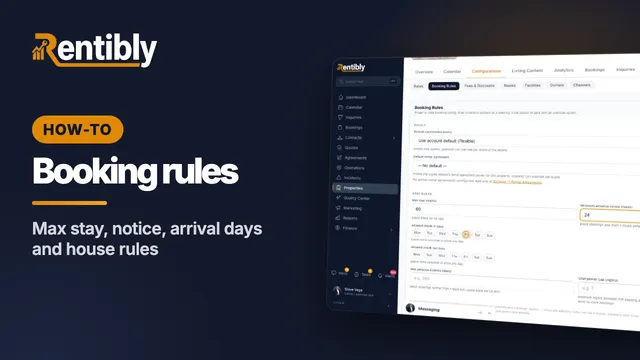
Booking rules
Decide which stays a home takes: cancellation policy, maximum stay, advance notice, arrival days, booking window, who the home suits, and the house rules the booking sites show. Shown live on a real Rentibly workspace.
 2:32
2:32How-to · Part 4
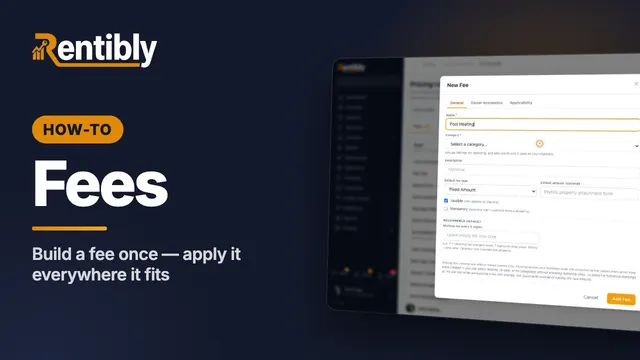
Fees
Create a fee once for your whole account: name, category, type and amount, who keeps the money, and which properties and bookings it applies to. Shown live on a real Rentibly workspace.
 2:19
2:19How-to · Part 5
Discounts
Set up your own discount for direct and website bookings — a long-stay discount that applies itself — and see it come off the price. Shown live on a real Rentibly workspace.
Count your subscriptions. Then count ours.
A 30-minute demo on your numbers — every tool you pay for today, mapped to its native Rentibly module.
Book a demo