Discounts — Rentibly How-to
How-to: Pricing & Revenue · Part 5 of 11 · 2:19 · 6 chapters · Watch on YouTube
Chapters
Read the transcript
Hey, and welcome to this Rentibly how-to: discounts. We'll build a long-stay discount — ten percent off two weeks or more — have it apply itself to every property, and watch it come off a real price on the website. Here's what we'll cover — the chapter times are right here, and in your player. Let's get started.
Discounts live next to fees, under Settings, Pricing rules. One thing to know first: these are your own discounts, for direct and website bookings. A discount on Airbnb or Booking.com is set up as a channel promotion, on its own tab.
Let's reward longer stays: ten percent off two weeks or more. Add Discount. A name the guest will see. The type — percentage, fixed amount, or per night — percentage, ten. Owner economics: who pays for the discount — your company absorbs it, or the owner does.
Applicability: auto-apply, so it lands on every property by itself. And the condition that makes it a long-stay discount: length of stay, fourteen nights or more. The Auto-apply tab names the kind of discount — long-stay, by minimum nights. Add Discount — and it's in the list, with its own switch.
Let's see it work. On your website, a guest picks fourteen nights at Solaire 15F, in March. The booking box prices the stay — and there it is: Stay fourteen-plus nights, ten percent off — seven hundred and thirty-five dollars taken off before fees. A stay of thirteen nights or fewer won't see it.
Thanks so much for watching! If you're already on Rentibly, open Settings, Pricing rules, and add a long-stay discount for your direct guests. And if you're not on Rentibly yet, book a demo call, and we'll show you all of this, live.
Set up your own discount for direct and website bookings — a long-stay discount that applies itself — and see it come off the price. Shown live on a real Rentibly workspace.
More in Pricing & Revenue
 2:03
2:03How-to · Part 6
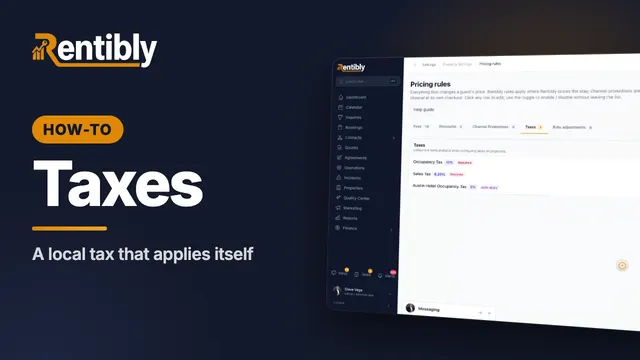
Taxes
Add a local tax: name and category, rate, dates and authority, where the money goes, which homes it applies to — and how to change a rate safely. Shown live on a real Rentibly workspace.
 3:25
3:25How-to · Part 1
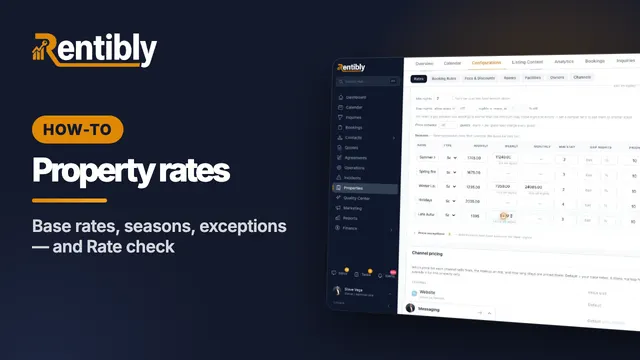
Setting a property's rates
How a night is priced, base rates and long-stay tiers, minimum and gap nights, seasons, price exceptions — and checking what a stay costs on every channel. Shown live on a real Rentibly workspace.
 2:13
2:13How-to · Part 2
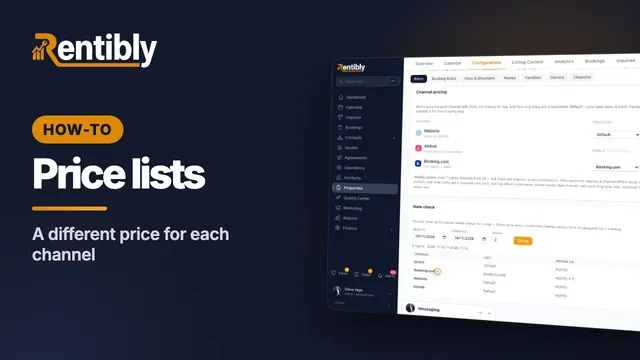
Price lists for each channel
Charge differently depending on where the booking comes from: create a price list, copy and mark it up, assign it to a channel, and check the result. Shown live on a real Rentibly workspace.
 2:22
2:22How-to · Part 3
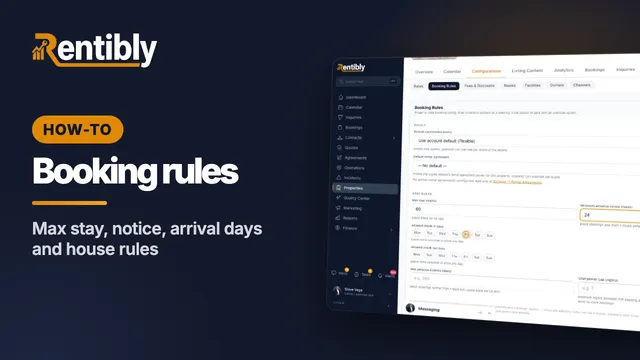
Booking rules
Decide which stays a home takes: cancellation policy, maximum stay, advance notice, arrival days, booking window, who the home suits, and the house rules the booking sites show. Shown live on a real Rentibly workspace.
 2:32
2:32How-to · Part 4
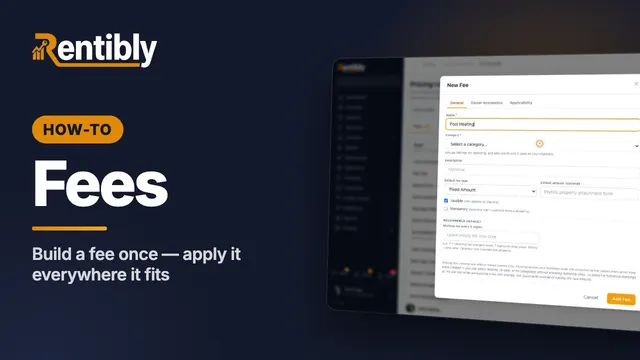
Fees
Create a fee once for your whole account: name, category, type and amount, who keeps the money, and which properties and bookings it applies to. Shown live on a real Rentibly workspace.
 2:43
2:43How-to · Part 7
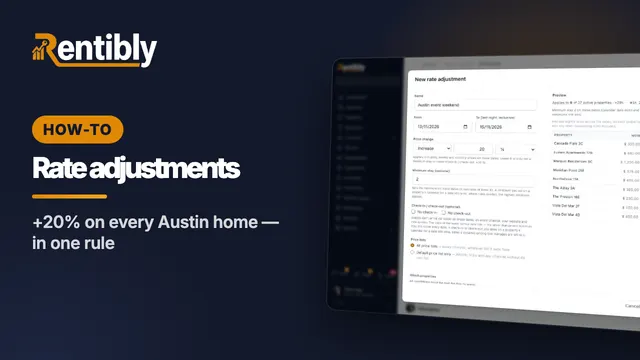
Rate adjustments
Raise or lower prices on many homes at once for set dates: price change, minimum stay, arrival rules, which price lists and homes — with a live preview, and pause to undo. Shown live on a real Rentibly workspace.
Count your subscriptions. Then count ours.
A 30-minute demo on your numbers — every tool you pay for today, mapped to its native Rentibly module.
Book a demo