Owner defaults — Rentibly How-to
How-to: Owners · Part 1 of 7 · 2:27 · 7 chapters · Watch on YouTube
Chapters
Read the transcript
Hey, and welcome to this Rentibly how-to: owner defaults. These few settings decide how every owner's money is counted — let's walk through each one. Here's what we'll cover — the chapter times are right here, and in your player. Let's get started.
Owner Defaults, under Settings, Owners, decide how every owner's money is counted — for everyone who hasn't got their own settings on their profile. Before you change anything, open this: what a save changes, and what it doesn't. Owners with their own settings aren't touched, commission already posted stays as it was, and finalized statements never change — the new rules apply from the next statement.
Revenue recognition: when a booking counts on a statement. On arrival, on departure, split night by night across the stay — that's the setting here — or every confirmed booking straight away. Then the payment basis: cash, where revenue is capped by what the guest has actually paid, or accrual, at the full booking value.
Money that booking sites collect for you: reconcile it in Channel Payouts, ticking each payout off as it lands — or treat it as paid the moment the booking arrives. And when owners get paid for those stays: as soon as the payout is due, or only once you've confirmed it arrived.
Commission and fees: is your commission worked out before or after card and channel processing fees? Do those fees go to the owner — including fees on security deposits? Which date a fee is recorded against — the arrival date is recommended. And whether Rentibly creates those fee expenses for you.
Last, payouts: monthly, every two weeks, or per booking, for your records — and whether Rentibly prepares each month's draft statements for you. Each owner can have different settings on their own profile; these defaults cover everyone else. Change something, and Save defaults.
Thanks so much for watching! If you're already on Rentibly, open Settings, Owner Defaults, and make sure each rule matches your owner agreements. And if you're not on Rentibly yet, book a demo call, and we'll show you all of this, live.
The rules behind every owner statement: when revenue counts, cash or accrual, channel-collected money, commission and fees, and payouts. Shown live on a real Rentibly workspace.
More in Owners
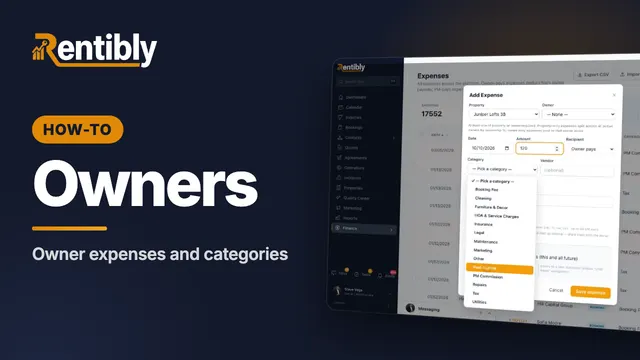 2:17
2:17How-to · Part 2
Owner expenses and categories
Set up the expense categories your team logs costs against, record an owner-paid expense with its receipt, and keep regular costs on a schedule. Shown live on a real Rentibly workspace.
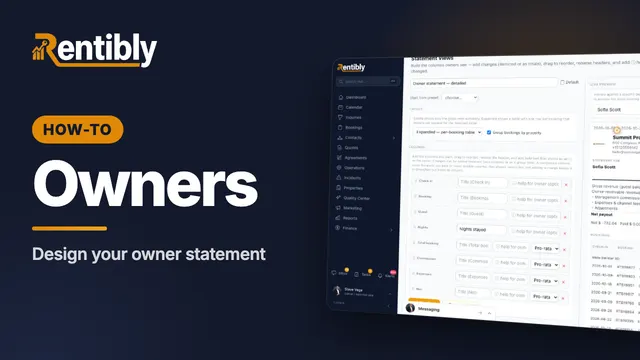 2:39
2:39How-to · Part 3
Designing the owner statement
Design how owner statements look with Statement Views: layout, columns, the gross-to-net summary, the expenses section and the PDF — with a live preview. Shown live on a real Rentibly workspace.
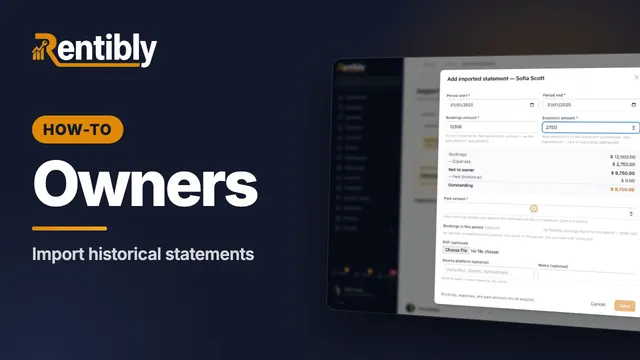 2:24
2:24How-to · Part 4
Importing historical statements
Moving from another system? Record the statements your owners already received, so their balance and portal carry on where you left off. Shown live on a real Rentibly workspace.
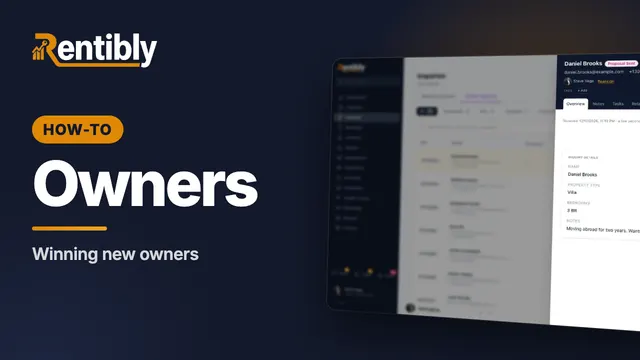 2:08
2:08How-to · Part 5
Winning new owners
Track owner leads from first contact to signed: the Owner Inquiries pipeline, adding a lead, moving it through each stage, and recording why deals are lost. Shown live on a real Rentibly workspace.
 2:13
2:13How-to · Part 6
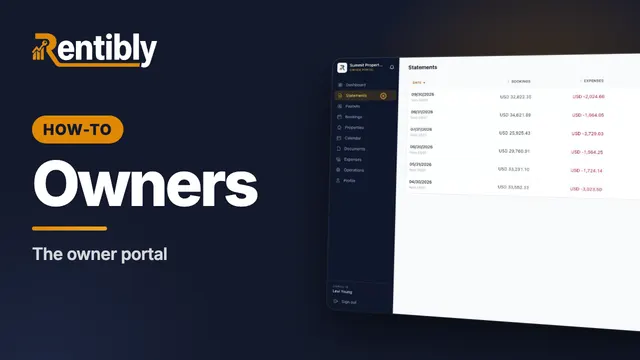
The owner portal
What your owners see when they sign in: their earnings, statements, payouts, bookings, calendar, expenses and documents. Shown live on a real Rentibly workspace.
 2:57
2:57How-to · Part 7
Your owner portal on your phone (for owners — share it with them)
Your owner portal, on the web and on your phone: sign in with a code, see what your homes have earned, open your statements and payouts, install the portal as an app on your iPhone or Android phone, and turn on notifications for new bookings, statements and payouts. Questions? Message your property manager from Chat, right inside your portal.
Count your subscriptions. Then count ours.
A 30-minute demo on your numbers — every tool you pay for today, mapped to its native Rentibly module.
Book a demo