Bookings & guests
From inquiry to quote to booking — then payments, changes and cancellations.
10 videos · 43 minutes
The big picture
Inquiries
Where every lead lands, how to find any of them in seconds — then one lead worked from the first phone call all the way to a quote: assigning, contacting, notes and @mentions, tasks, and what happens when a lead goes quiet. Shown live on a real Rentibly workspace.
 4:05
4:05Overview
Quotes
Build a priced quote for a new guest in five steps — inquiry, night-by-night pricing, fees and deposit, payment schedule — then see the owner's share before you send it, and price any stay in seconds with the Rate Checker. Shown live on a real Rentibly workspace.
 7:20
7:20Overview
Bookings
Find any reservation in seconds, take a brand-new booking from start to finish, and run it — payments, owner economics, notes and tasks, changes and cancellations. Shown live on a real Rentibly workspace.
 8:59
8:59Overview
Contacts
Find anyone in seconds, open a guest's, owner's or vendor's whole history, add a new lead, flag a contact, link duplicates, and track preferences and goodwill credits. Shown live on a real Rentibly workspace.
Step by step
How-to: Bookings & Guests
6 films · 17 min · Playlist on YouTube
 5:34
5:34How-to · Part 1
A direct booking, start to finish
Take a direct enquiry all the way: the inquiry, a quote with fees and a payment schedule, the guest signing and accepting, and the confirmed booking. Shown live on a real Rentibly workspace.
 2:29
2:29How-to · Part 2
Payments and deposits
Record a guest's bank transfer against their payment schedule, add a refundable security deposit, see how it's returned, and find every payment in Finance. Shown live on a real Rentibly workspace.
 2:44
2:44How-to · Part 3
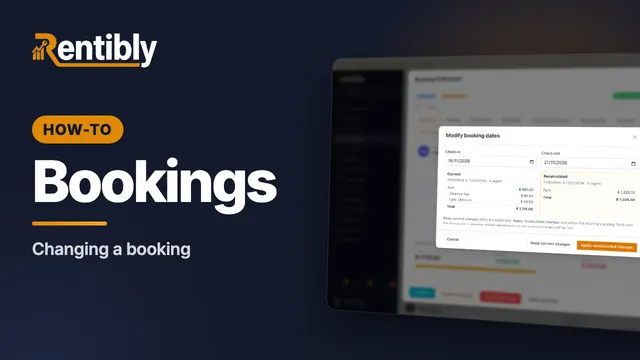
Changing a booking
Change a confirmed booking the right way: the guest count, new dates and how re-pricing works, moving to another home, and adding a charge mid-stay. Shown live on a real Rentibly workspace.
 2:10
2:10How-to · Part 4
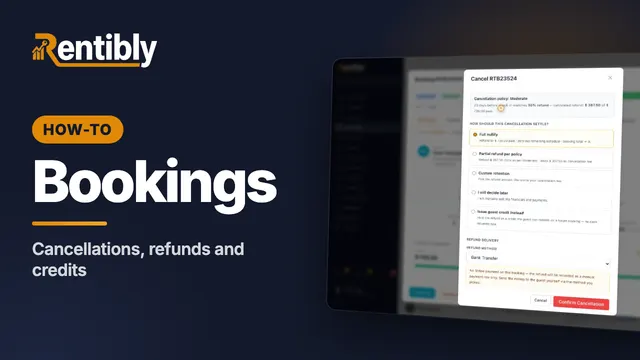
Cancellations, refunds and credits
Cancel a paid booking under its policy: the refund Rentibly calculates, the five ways to settle, guest credit, and where the refund shows up. Shown live on a real Rentibly workspace.
 2:32
2:32How-to · Part 5
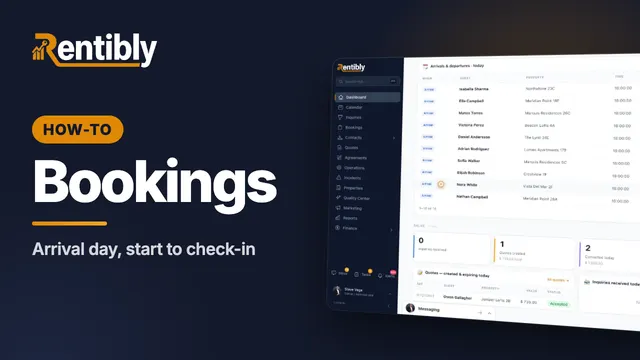
Arrival day
Run an arrival day: the Today dashboard, checks before a guest arrives, recording a door code, adding an early check-in fee, and checking the guest in. Shown live on a real Rentibly workspace.
 1:50
1:50How-to · Part 6
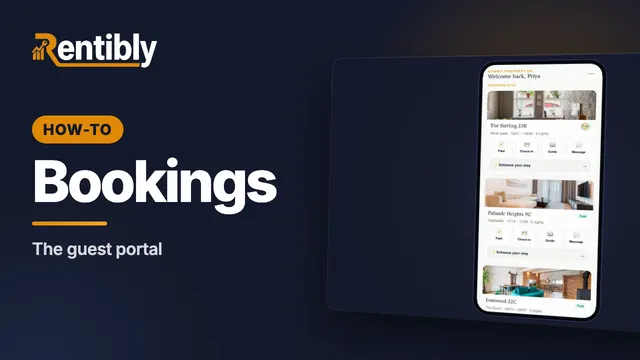
The guest portal
What your guests see on their phone: every stay in one place, the house guide, extras to add, and messages to your team. Shown live on a real Rentibly workspace.
Prefer to read?
Step-by-step guides
- Work an inquiry from new to booked or lost
- Send new inquiries to the right person (Inquiry Routing)
- Choose who owns a booking inquiry
- Accept or decline a request to book
- Handle an owner inquiry
- Create a quote and turn it into a booking
- Send, hold, revoke or follow up a quote
- Find and filter bookings
- Use the calendar
- Block dates or add an owner stay
More topics
Count your subscriptions. Then count ours.
A 30-minute demo on your numbers — every tool you pay for today, mapped to its native Rentibly module.
Book a demo