Rate adjustments — Rentibly How-to
How-to: Pricing & Revenue · Part 7 of 11 · 2:43 · 8 chapters · Watch on YouTube
Chapters
Read the transcript
Hey, and welcome to this Rentibly how-to: rate adjustments. We'll raise prices by twenty percent on every Austin home for a big event weekend, add a minimum stay, preview exactly what changes — and see how to undo it in one click. Here's what we'll cover — the chapter times are right here, and in your player. Let's get started.
Rate adjustments change prices on many homes at once, for set dates — a big event, a holiday, a slow week. One rule covers every property it matches, including ones you add later, and it reaches every channel, your website and your quotes. You'll find them under Settings, Pricing rules.
Say there's a big festival in Austin in mid-November. New adjustment. A name. The dates — the thirteenth to the fifteenth of November; the To date is the last night. Then the price change: increase, twenty percent. It applies to nightly, weekly and monthly prices on those dates.
You can set a minimum stay for those dates too — two nights. Where rules overlap, the highest minimum wins, and a minimum you set on a property's own calendar still comes first. And you can stop guests arriving or leaving on those dates.
Which price lists: all of them — every channel, whatever list it sells from — or just Default. And which properties. With no filter, it's every active home. Add a condition — the area is Austin. You can also filter by property type, bedrooms, building, tags, or pick homes one by one.
The preview shows exactly what it will do: each home in Austin, its average nightly price now, and with the rule — Cascade Flats 2C goes from three hundred and thirty dollars to three hundred and ninety-six. Create — and it's live.
Every rule shows its dates, the change and the homes it covers. Rules that overlap combine. Nothing is written onto each property's prices — so Pause, and every price goes straight back. Resume brings it back, and Delete removes it for good.
Thanks so much for watching! If you're already on Rentibly, open Settings, Pricing rules, and set up a rate adjustment for your next busy weekend. And if you're not on Rentibly yet, book a demo call, and we'll show you all of this, live.
Raise or lower prices on many homes at once for set dates: price change, minimum stay, arrival rules, which price lists and homes — with a live preview, and pause to undo. Shown live on a real Rentibly workspace.
More in Pricing & Revenue
 2:07
2:07How-to · Part 8
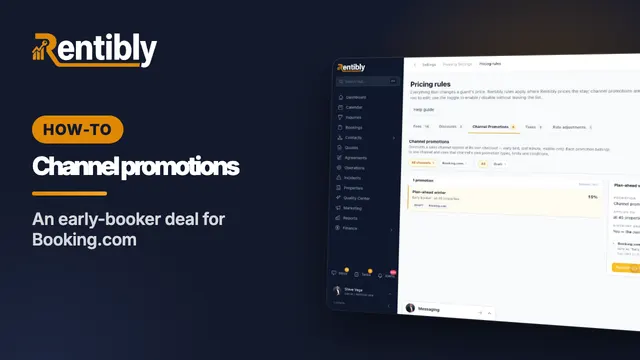
Channel promotions
Set up a deal that a booking site runs at its own checkout: pick the channel and its promotion type, the discount and conditions, who absorbs it — saved as a draft until you publish. Shown live on a real Rentibly workspace.
 3:25
3:25How-to · Part 1
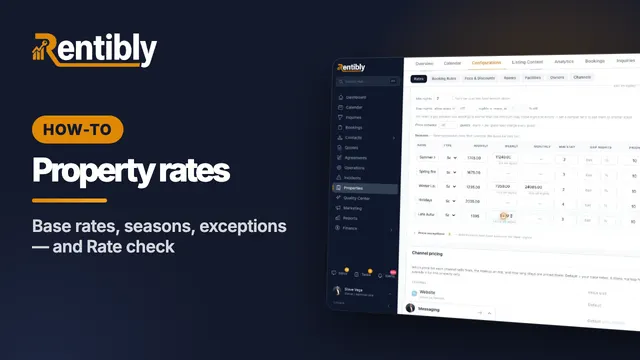
Setting a property's rates
How a night is priced, base rates and long-stay tiers, minimum and gap nights, seasons, price exceptions — and checking what a stay costs on every channel. Shown live on a real Rentibly workspace.
 2:13
2:13How-to · Part 2
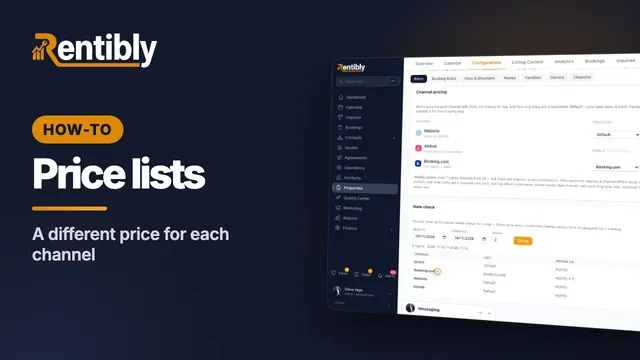
Price lists for each channel
Charge differently depending on where the booking comes from: create a price list, copy and mark it up, assign it to a channel, and check the result. Shown live on a real Rentibly workspace.
 2:22
2:22How-to · Part 3
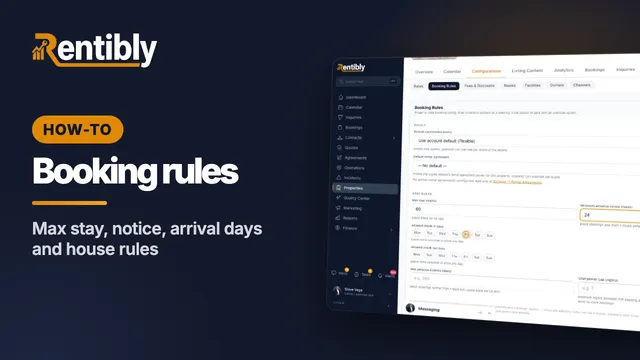
Booking rules
Decide which stays a home takes: cancellation policy, maximum stay, advance notice, arrival days, booking window, who the home suits, and the house rules the booking sites show. Shown live on a real Rentibly workspace.
 2:32
2:32How-to · Part 4
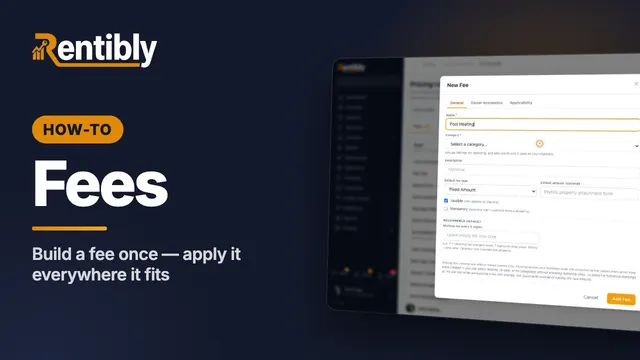
Fees
Create a fee once for your whole account: name, category, type and amount, who keeps the money, and which properties and bookings it applies to. Shown live on a real Rentibly workspace.
 2:19
2:19How-to · Part 5
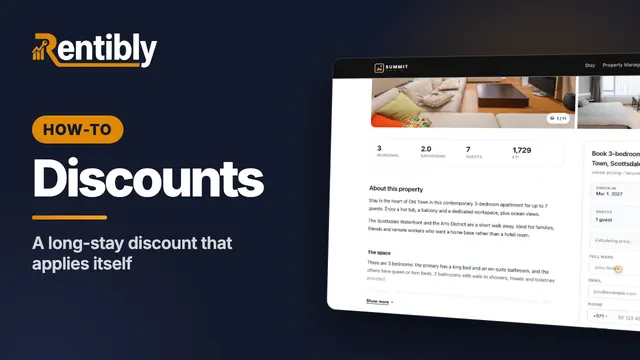
Discounts
Set up your own discount for direct and website bookings — a long-stay discount that applies itself — and see it come off the price. Shown live on a real Rentibly workspace.
Count your subscriptions. Then count ours.
A 30-minute demo on your numbers — every tool you pay for today, mapped to its native Rentibly module.
Book a demo