Cancellations, refunds and credits — Rentibly How-to
How-to: Bookings & Guests · Part 4 of 6 · 2:10 · 7 chapters · Watch on YouTube
Chapters
Read the transcript
Hey, and welcome to this Rentibly how-to: cancellations, refunds and credits. A paid guest needs to cancel — let's let the policy do the maths, and settle it properly. Here's what we'll cover — the chapter times are right here, and in your player. Let's get started.
Owen Gallagher has booked Juniper Lofts for three nights in early November, and paid in full by bank transfer. Now he needs to cancel. Open his booking, and Cancel Booking.
Rentibly reads the policy he booked under — Moderate. He's cancelling twenty-three days before check-in, which matches a fifty percent refund: three hundred and sixty-seven fifty, of the seven thirty-five he paid.
Then, how to settle it. Full nullify refunds everything. Partial refund per policy follows the rule. Custom retention lets you choose the amount. I will decide later leaves the money for you to sort out. Or issue a guest credit instead — he keeps the value for a future stay, with an expiry date, and no money goes back now.
Owen would rather have his money, so: Partial refund per policy. He paid by transfer, so the refund is recorded here and you send it back yourself, the same way. A note for the audit log — and the summary spells out exactly what will happen. Confirm Cancellation.
Cancelled. The booking total is now the fee he forfeited, the refund shows on Payments as money going out, and his dates are free again on Juniper's calendar. Every refund also lands in Finance, under Guest Payments.
Thanks so much for watching! If you're already on Rentibly, open Settings, Cancellation Policies, and make sure each refund rule says what you mean. And if you're not on Rentibly yet, book a demo call, and we'll show you all of this, live.
Cancel a paid booking under its policy: the refund Rentibly calculates, the five ways to settle, guest credit, and where the refund shows up. Shown live on a real Rentibly workspace.
More in Bookings & Guests
 2:32
2:32How-to · Part 5
Arrival day
Run an arrival day: the Today dashboard, checks before a guest arrives, recording a door code, adding an early check-in fee, and checking the guest in. Shown live on a real Rentibly workspace.
 5:34
5:34How-to · Part 1
A direct booking, start to finish
Take a direct enquiry all the way: the inquiry, a quote with fees and a payment schedule, the guest signing and accepting, and the confirmed booking. Shown live on a real Rentibly workspace.
 2:29
2:29How-to · Part 2
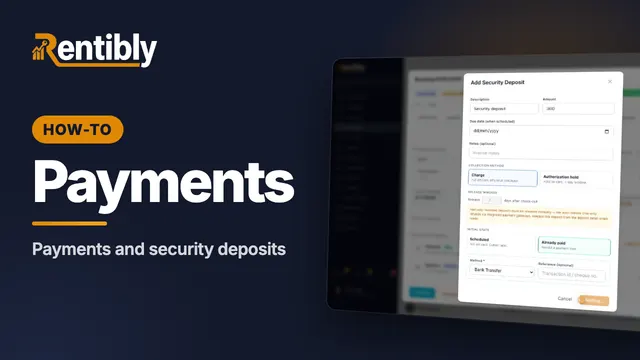
Payments and deposits
Record a guest's bank transfer against their payment schedule, add a refundable security deposit, see how it's returned, and find every payment in Finance. Shown live on a real Rentibly workspace.
 2:44
2:44How-to · Part 3
Changing a booking
Change a confirmed booking the right way: the guest count, new dates and how re-pricing works, moving to another home, and adding a charge mid-stay. Shown live on a real Rentibly workspace.
 1:50
1:50How-to · Part 6
The guest portal
What your guests see on their phone: every stay in one place, the house guide, extras to add, and messages to your team. Shown live on a real Rentibly workspace.
Count your subscriptions. Then count ours.
A 30-minute demo on your numbers — every tool you pay for today, mapped to its native Rentibly module.
Book a demo