House rules and rental agreements — Rentibly How-to
How-to: Setting Up a Property · Part 8 of 10 · 3:15 · 9 chapters · Watch on YouTube
Chapters
Read the transcript
Hey, and welcome to this Rentibly how-to: house rules and rental agreements. We'll write a rule once and use it where it's needed, then create the agreement guests sign before they stay. Here's what we'll cover — the chapter times are right here, and in your player. Let's get started.
House rules live in one library, under Settings, Property Settings, House Rules. Write a rule once, then choose which homes it applies to. Guests see a home's rules in this order — on every channel, your website, and in their messages and emails.
System rules are the standard ones, with fixed wording — no smoking, no pets, no parties. You only choose where they apply. Custom rules are your own words.
Let's add one. New Custom Rule: please don't move furniture between rooms. Applies to — every home, every home except a few, selected homes, or none for now. Just Juniper Lofts, for this one. Save, and it's on that home's listing straight away.
Rental agreements are the terms a guest signs before their stay. Rentibly shows them on the guest's quote page, and they can download a PDF. There's an old, inactive one here — let's write a new one. New Agreement. A name — Standard stay agreement — and a short description, which guests never see.
Then the terms. Type them like any document — and wherever a detail changes from one stay to the next, insert a merge field. Placeholder opens the list, sorted by type: the guest's contact details, the property, the quote, the booking, payments, and more. First, the guest's name. Then the home, from Property. Then the check-in and check-out dates — take them from Quote, so they fill in on the guest's quote page and on the booking. And last, the home's house rules, straight from the library — so the agreement always matches what guests see on the listing.
Active stays on. Set as default would put this agreement on every new quote — we'll leave that off, and choose it home by home instead. Create agreement. Now, Juniper Lofts. Configurations, Booking Rules, Edit — and set the default rental agreement to the one we just made. Save.
From now on, a quote for this home comes with the agreement. The guest signs it on the quote page — typing their name and drawing a signature — before they pay, and bookings from your website go through that same page. Nothing emails it out on its own. And if you edit the template later, agreements already sent keep the wording they had.
Thanks so much for watching! If you're already on Rentibly, open Settings, Rental Agreements, and make sure your homes have one to sign. And if you're not on Rentibly yet, book a demo call, and we'll show you all of this, live.
Manage house rules in one library and assign them to homes, then write a rental agreement with merge fields and attach it to a home. Shown live on a real Rentibly workspace.
More in Setting Up a Property
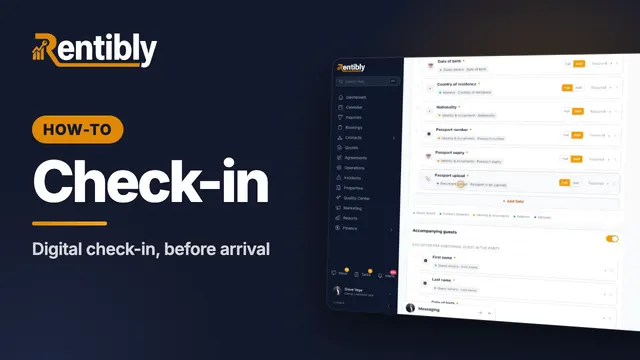 3:30
3:30How-to · Part 9
Digital check-in
Design the form guests fill in before arrival — fields that land on the right records, companions, deposit and agreement checks — and get each guest their link. Shown live on a real Rentibly workspace.
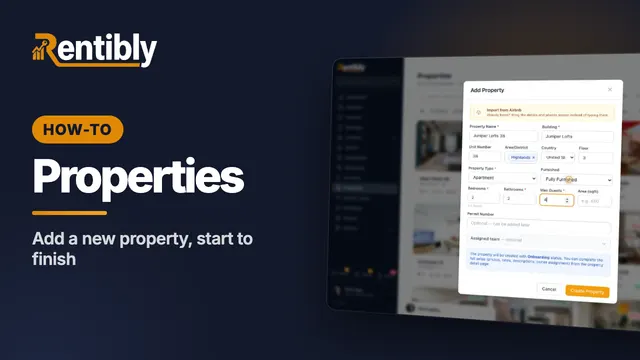 3:24
3:24How-to · Part 1
Adding a new property
Add a home from scratch: the Add Property form, the team who looks after it, the details on its page, the map pin, and taking it live. Shown live on a real Rentibly workspace.
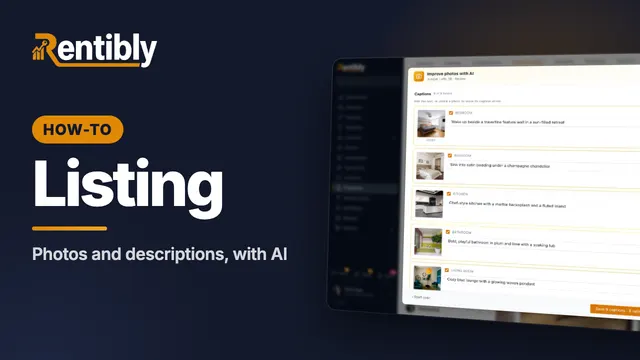 3:45
3:45How-to · Part 2
Photos and descriptions
Upload a home's photos, let AI caption, rate and order them, then write the website description with AI and copy it to the booking sites. Shown live on a real Rentibly workspace.
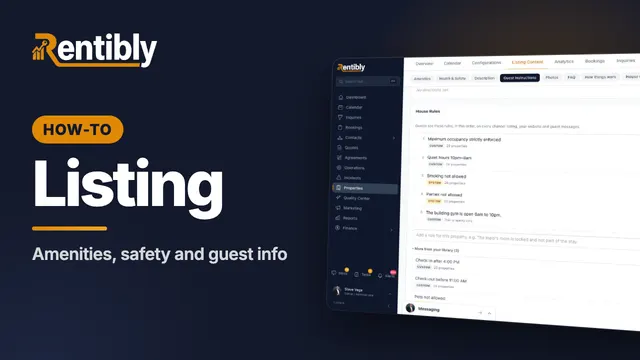 3:40
3:40How-to · Part 3
Amenities, safety and guest info
Tick a home's amenities and safety features, set its check-in details, WiFi and house rules, and answer the questions guests always ask. Shown live on a real Rentibly workspace.
 2:44
2:44How-to · Part 4
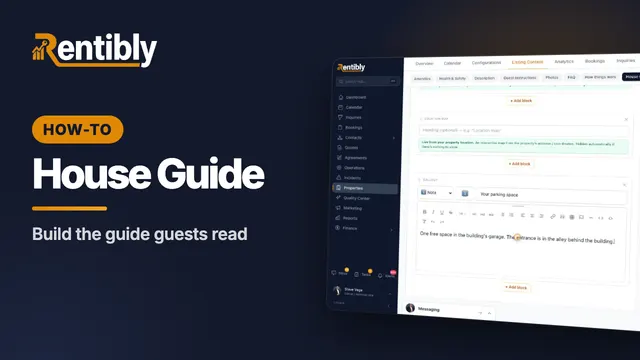
The house guide
Write the how-tos guests look up mid-stay, then build the house guide they read during their stay — with blocks that keep themselves up to date. Shown live on a real Rentibly workspace.
 2:01
2:01How-to · Part 5
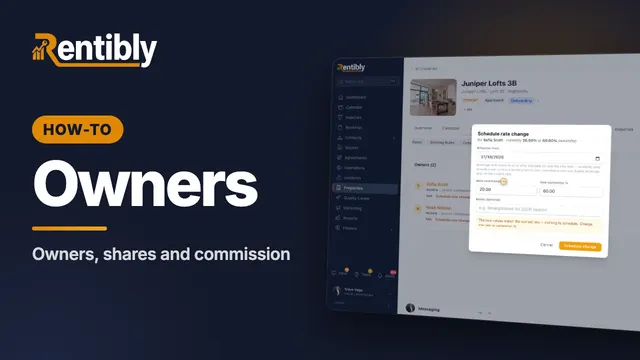
Owners and commission
Link a home to its owners: shares for co-owners, your commission, payout frequency, owner-paid taxes, and changing the rate from a future date. Shown live on a real Rentibly workspace.
Count your subscriptions. Then count ours.
A 30-minute demo on your numbers — every tool you pay for today, mapped to its native Rentibly module.
Book a demo