Rentibly How-to
Setting Up a Property
From a new property to a listing that's ready to sell: photos, amenities, rules, documents and check-in.
10 films · 31 minutes · The playlist on YouTube
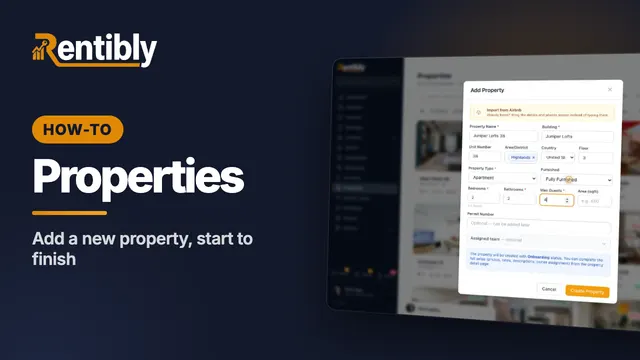 3:24
3:24Part 1
Adding a new property
Add a home from scratch: the Add Property form, the team who looks after it, the details on its page, the map pin, and taking it live. Shown live on a real Rentibly workspace.
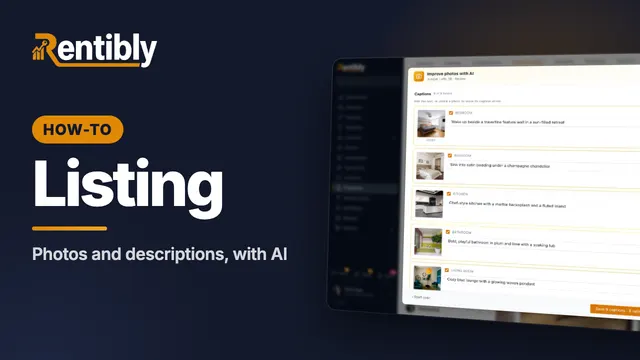 3:45
3:45Part 2
Photos and descriptions
Upload a home's photos, let AI caption, rate and order them, then write the website description with AI and copy it to the booking sites. Shown live on a real Rentibly workspace.
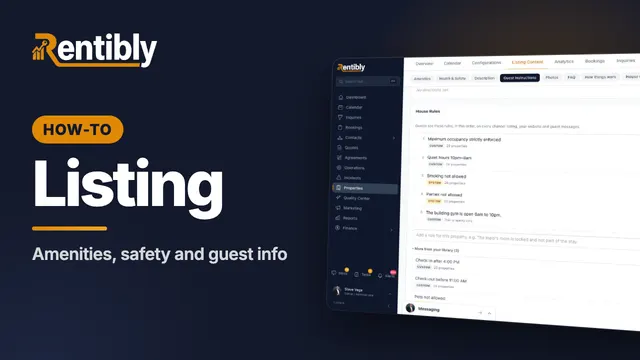 3:40
3:40Part 3
Amenities, safety and guest info
Tick a home's amenities and safety features, set its check-in details, WiFi and house rules, and answer the questions guests always ask. Shown live on a real Rentibly workspace.
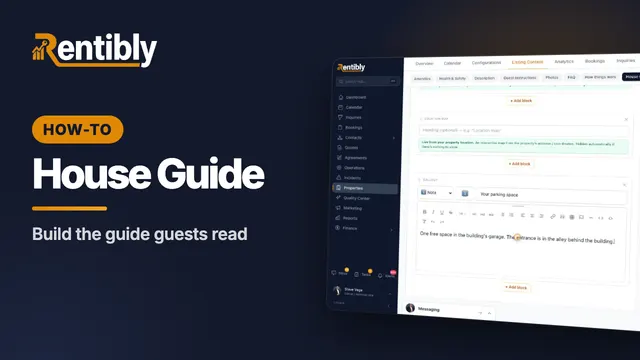 2:44
2:44Part 4
The house guide
Write the how-tos guests look up mid-stay, then build the house guide they read during their stay — with blocks that keep themselves up to date. Shown live on a real Rentibly workspace.
 2:01
2:01Part 5
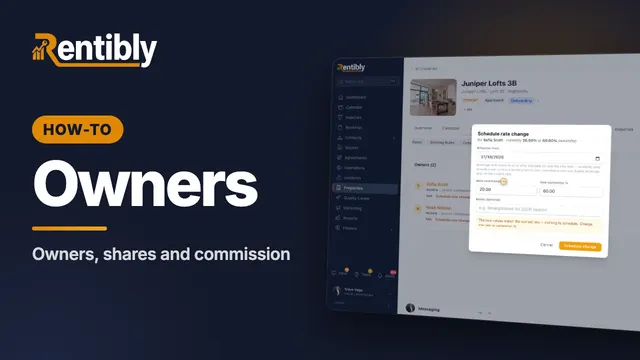
Owners and commission
Link a home to its owners: shares for co-owners, your commission, payout frequency, owner-paid taxes, and changing the rate from a future date. Shown live on a real Rentibly workspace.
 3:45
3:45Part 6
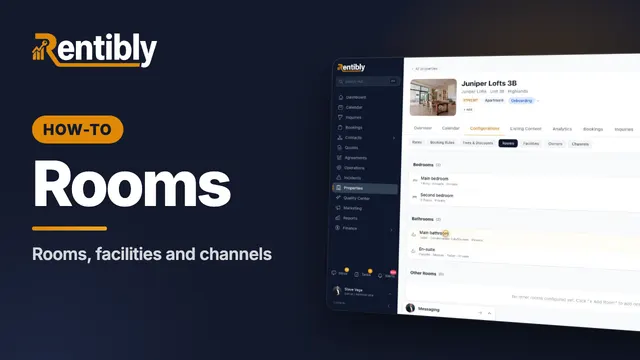
Rooms, facilities and channels
Describe each bedroom and bathroom, record access codes, utility accounts, building contacts and building info, and see where a home is listed. Shown live on a real Rentibly workspace.
 2:27
2:27Part 7
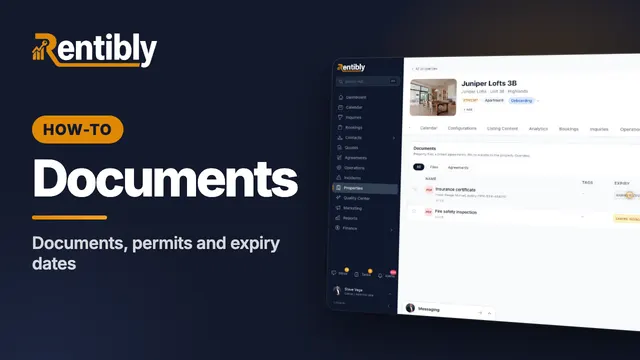
Documents and permits
Record a home's permit and insurance dates, upload its documents with expiry dates, and pin and share the ones that matter. Shown live on a real Rentibly workspace.
 3:15
3:15Part 8
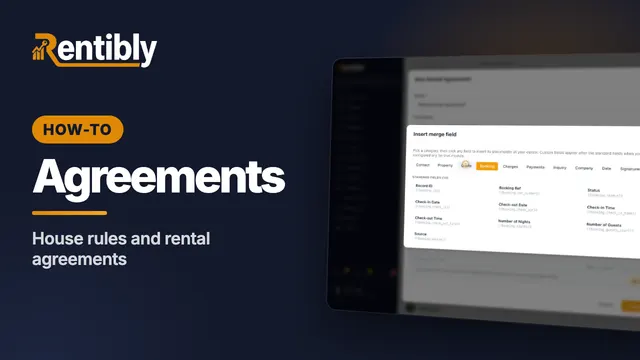
House rules and rental agreements
Manage house rules in one library and assign them to homes, then write a rental agreement with merge fields and attach it to a home. Shown live on a real Rentibly workspace.
 3:30
3:30Part 9
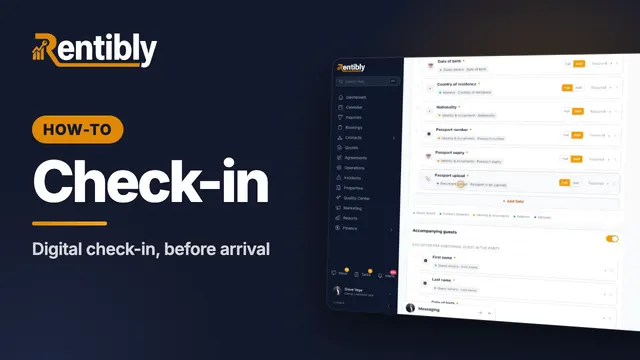
Digital check-in
Design the form guests fill in before arrival — fields that land on the right records, companions, deposit and agreement checks — and get each guest their link. Shown live on a real Rentibly workspace.
 2:23
2:23Part 10
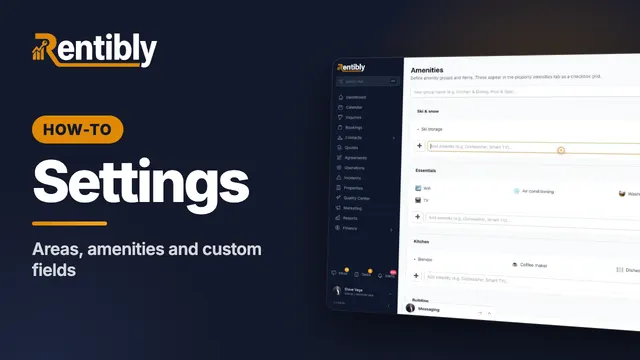
Areas, amenities and custom fields
Shape how every home is described: your areas and neighborhoods, the amenities catalog, and custom fields for details Rentibly doesn't track out of the box. Shown live on a real Rentibly workspace.
Count your subscriptions. Then count ours.
A 30-minute demo on your numbers — every tool you pay for today, mapped to its native Rentibly module.
Book a demo