Website chat — Rentibly How-to
How-to: Communication · Part 5 of 5 · 2:09 · 7 chapters · Watch on YouTube
Chapters
Read the transcript
Hey, and welcome to this Rentibly how-to: website chat. Let's set up the chat bubble on your site — and follow one message all the way to your Inbox. Here's what we'll cover — the chapter times are right here, and in your player. Let's get started.
Your Rentibly website can carry a chat bubble, and every chat lands in your Inbox. Settings, Channels and OTAs, your hosted website, and the Chat Widgets tab. Website Chat is on: a visitor's message becomes a Website conversation, and your replies appear live in their browser.
Choose the pages it shows on, and where it sits — a floating button in the corner, in your brand colour. Then a line on how quickly you reply, and a welcome above the first message.
Automatic first reply greets them the moment they write — by first name. And an availability schedule can send a different reply out of hours. Save Website Chat settings. Now let's open the website, the way a guest would.
Here's the visitor's side, on the website itself. They tap the bubble, then leave their name, an email, and their question. Send — and the automatic reply arrives straight away.
And in your Inbox, the conversation is already waiting — marked Website, with her name. Open it: her question, and the automatic reply. Answer from here, and it appears live in her chat window. And because she left her email, she's saved in Contacts as a new lead, too.
Thanks so much for watching! If you're already on Rentibly, open your hosted website's Chat Widgets tab, and make the welcome sound like you. And if you're not on Rentibly yet, book a demo call, and we'll show you all of this, live.
Put a chat bubble on your Rentibly website, greet visitors automatically, and answer them from your Inbox. Shown live on a real Rentibly workspace.
More in Communication
 2:40
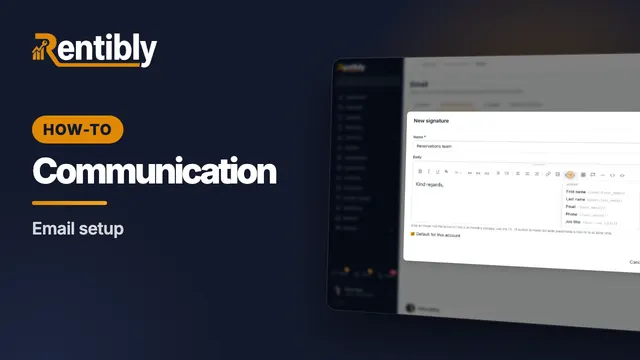
2:40How-to · Part 1
Email setup
Choose who your email comes from, send from your own domain, bring guest replies into the Inbox, and give your team a signature. Shown live on a real Rentibly workspace.
 2:40
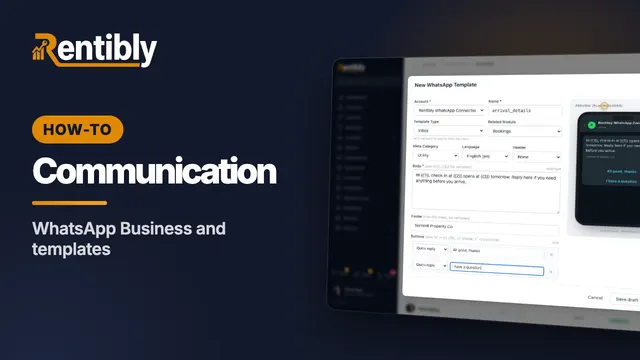
2:40How-to · Part 2
WhatsApp Business and templates
Your WhatsApp numbers and credit, the 24-hour rule, and how to write a template ready for Meta's approval. Shown live on a real Rentibly workspace.
 2:38
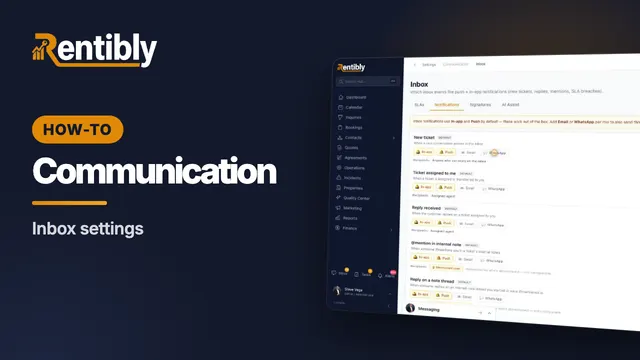
2:38How-to · Part 3
Inbox settings
Response-time targets, the auto-stale cleaner, who gets notified, and what blocking a sender really does. Shown live on a real Rentibly workspace.
 2:25
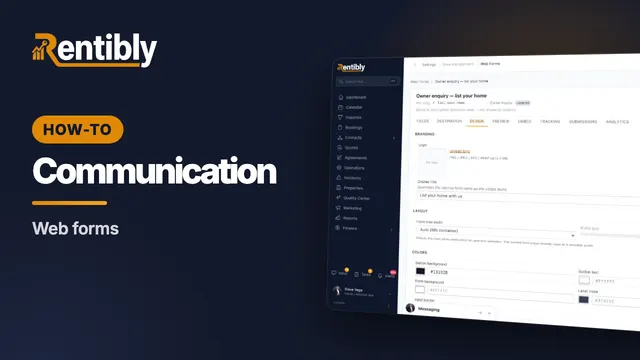
2:25How-to · Part 4
Web forms
Build a form for your website that sends owners, guests or leads straight into Rentibly — then embed it anywhere. Shown live on a real Rentibly workspace.
Count your subscriptions. Then count ours.
A 30-minute demo on your numbers — every tool you pay for today, mapped to its native Rentibly module.
Book a demo