Rentibly How-to
Operations
Cleanings, maintenance and the field team.
6 films · 15 minutes · The playlist on YouTube
 2:25
2:25Part 1
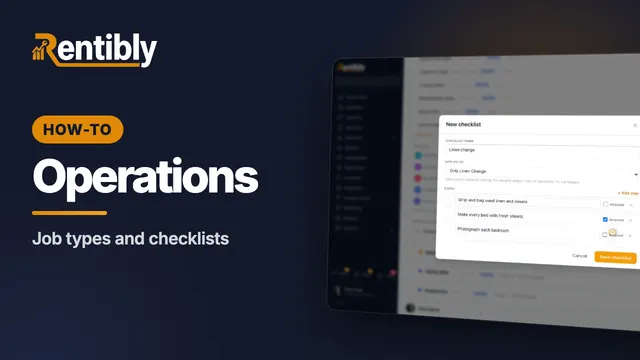
Categories, job types and checklists
Set up the categories and job types your team works with, give a job type its own checklist with required steps, and see what each category controls. Shown live on a real Rentibly workspace.
 2:23
2:23Part 2
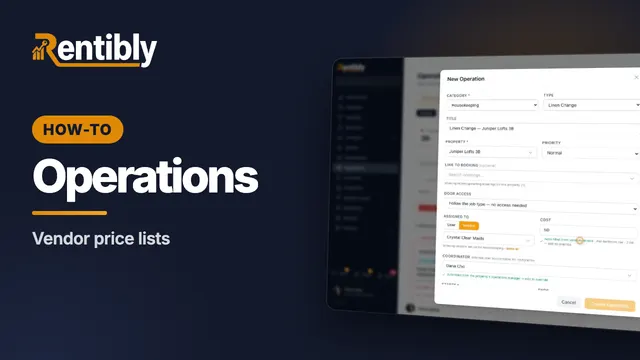
Vendor price lists
Record what each vendor charges — flat, per bedroom or hourly — and watch job costs fill themselves in when you assign the work. Shown live on a real Rentibly workspace.
 2:14
2:14Part 3
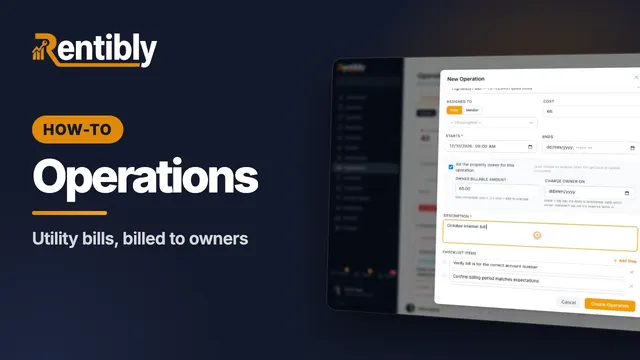
Utility bills
Record a home's utility accounts, set a monthly reminder, and log each bill as an operation that bills the owner when it's paid. Shown live on a real Rentibly workspace.
 2:22
2:22Part 4
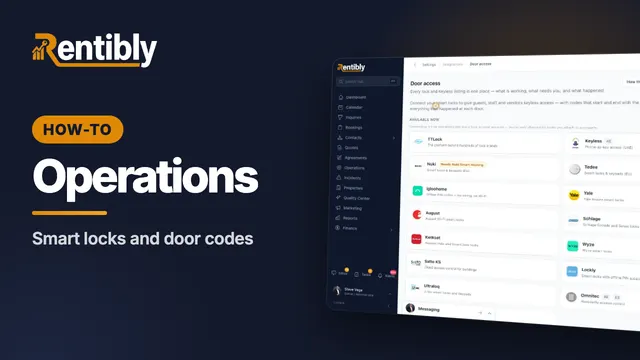
Smart locks and door codes
Connect your smart-lock account so guests, cleaners and contractors get codes that start and stop with their booking or job. Shown live on a real Rentibly workspace.
 3:00
3:00Part 5
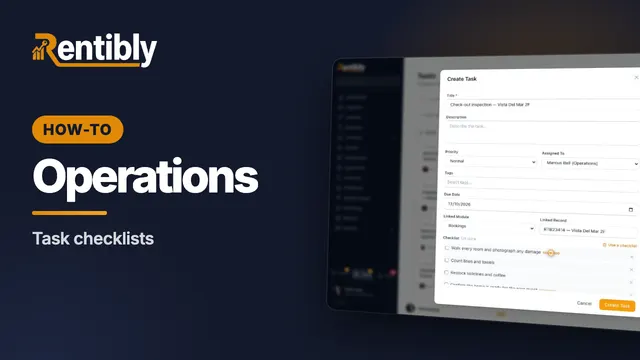
Task checklists
Write a repeating job's steps once, drop them into any task, and have automations attach them for you. Shown live on a real Rentibly workspace.
 2:08
2:08Part 6
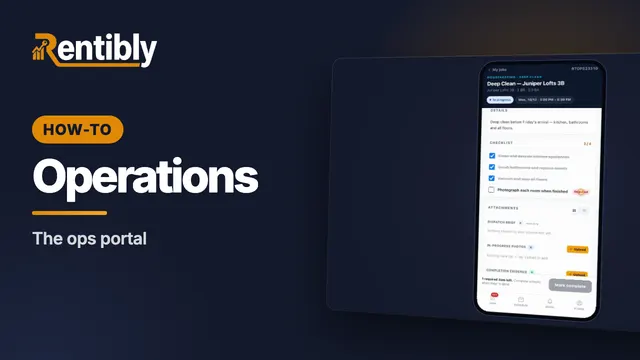
The ops portal
A cleaner's day on their phone: today's jobs, everything they need to get in, the checklist, photo proof, and marking the job complete. Shown live on a real Rentibly workspace.
Count your subscriptions. Then count ours.
A 30-minute demo on your numbers — every tool you pay for today, mapped to its native Rentibly module.
Book a demo