Task checklists — Rentibly How-to
How-to: Operations · Part 5 of 6 · 3:00 · 8 chapters · Watch on YouTube
Chapters
Read the transcript
Hey, and welcome to this Rentibly how-to: task checklists. Let's build a check-out inspection once, and use it on every stay. Here's what we'll cover — the chapter times are right here, and in your player. Let's get started.
Some jobs come round again and again — a check-out inspection, a new owner's onboarding. Write the steps once, as a task checklist: Settings, Operations and Tasks, Task Checklists. We don't have one yet, so let's build the first. New checklist.
Name it — Check-out inspection — and say what it's for. Offered on decides where it shows up: here, tasks linked to bookings. A General checklist is offered on every task.
Now the steps. Walk every room and photograph any damage. Count the linen and towels. Restock the toiletries and coffee. And confirm the home is ready for the next guest. Tick Required on the steps your team shouldn't skip — here, the damage photos and the final check. Save checklist.
There it is, under Bookings: four steps, two of them required. Now let's use it. Nora White checks out of Vista Del Mar on Tuesday. Tasks, New Task. A title — and assign it to Marcus, on our operations team. He walks through every home after the guests leave.
Due on her check-out day. Link it to Bookings, and find her booking. Because the task is linked to a booking, Use a checklist offers our new one — along with any General ones. Pick it, and the four steps are copied in, with the required ones marked. The steps are this task's own copy: add one, or remove one, just for this stay. Editing the checklist later only changes future tasks — never one someone's already working through. Create Task. And it's on the board, linked to Nora's booking, with zero of four done. Marcus ticks the steps off as he goes.
A checklist can also arrive on its own. Settings, Automations: our departure inspection rule creates a task after every check-out. Under Checklist, pick Check-out inspection, and every task the rule creates gets its own copy of the steps. You'd save it there — we'll cancel for now.
Thanks so much for watching! If you're already on Rentibly, open Settings, Operations and Tasks, Task Checklists, and build the checklist your team uses most. And if you're not on Rentibly yet, book a demo call, and we'll show you all of this, live.
Write a repeating job's steps once, drop them into any task, and have automations attach them for you. Shown live on a real Rentibly workspace.
More in Operations
 2:08
2:08How-to · Part 6
The ops portal
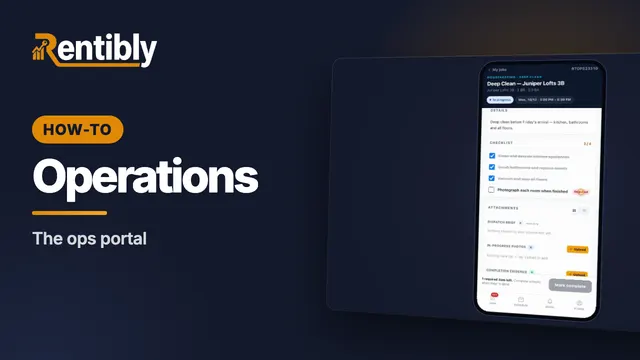
A cleaner's day on their phone: today's jobs, everything they need to get in, the checklist, photo proof, and marking the job complete. Shown live on a real Rentibly workspace.
 2:25
2:25How-to · Part 1
Categories, job types and checklists
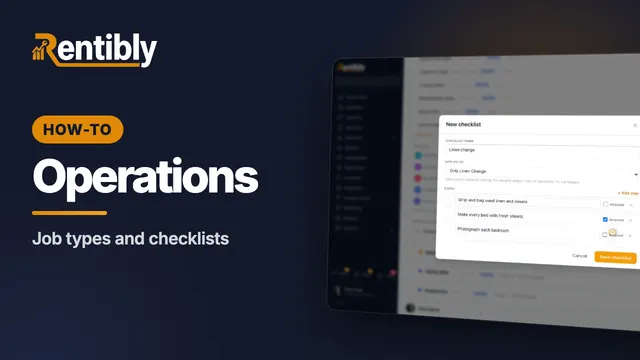
Set up the categories and job types your team works with, give a job type its own checklist with required steps, and see what each category controls. Shown live on a real Rentibly workspace.
 2:23
2:23How-to · Part 2
Vendor price lists
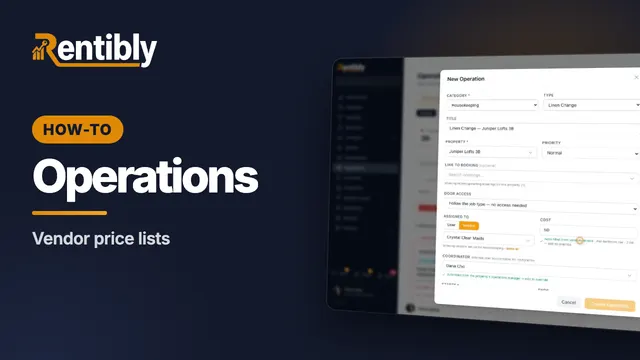
Record what each vendor charges — flat, per bedroom or hourly — and watch job costs fill themselves in when you assign the work. Shown live on a real Rentibly workspace.
 2:14
2:14How-to · Part 3
Utility bills
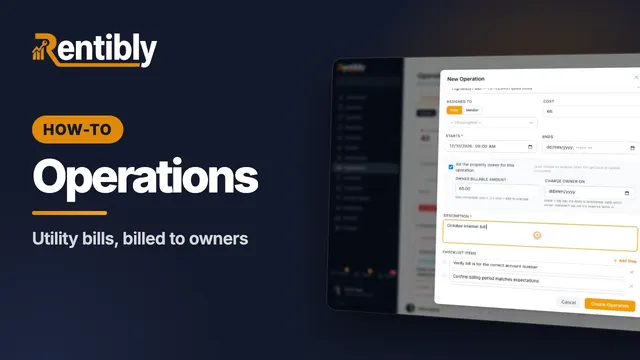
Record a home's utility accounts, set a monthly reminder, and log each bill as an operation that bills the owner when it's paid. Shown live on a real Rentibly workspace.
 2:22
2:22How-to · Part 4
Smart locks and door codes
Connect your smart-lock account so guests, cleaners and contractors get codes that start and stop with their booking or job. Shown live on a real Rentibly workspace.
Count your subscriptions. Then count ours.
A 30-minute demo on your numbers — every tool you pay for today, mapped to its native Rentibly module.
Book a demo